Figure 03: Complete buying, setup and programming guide
A complete guide to Figure AI’s third-generation humanoid robot, its purchase process, hardware, operating principles and software.
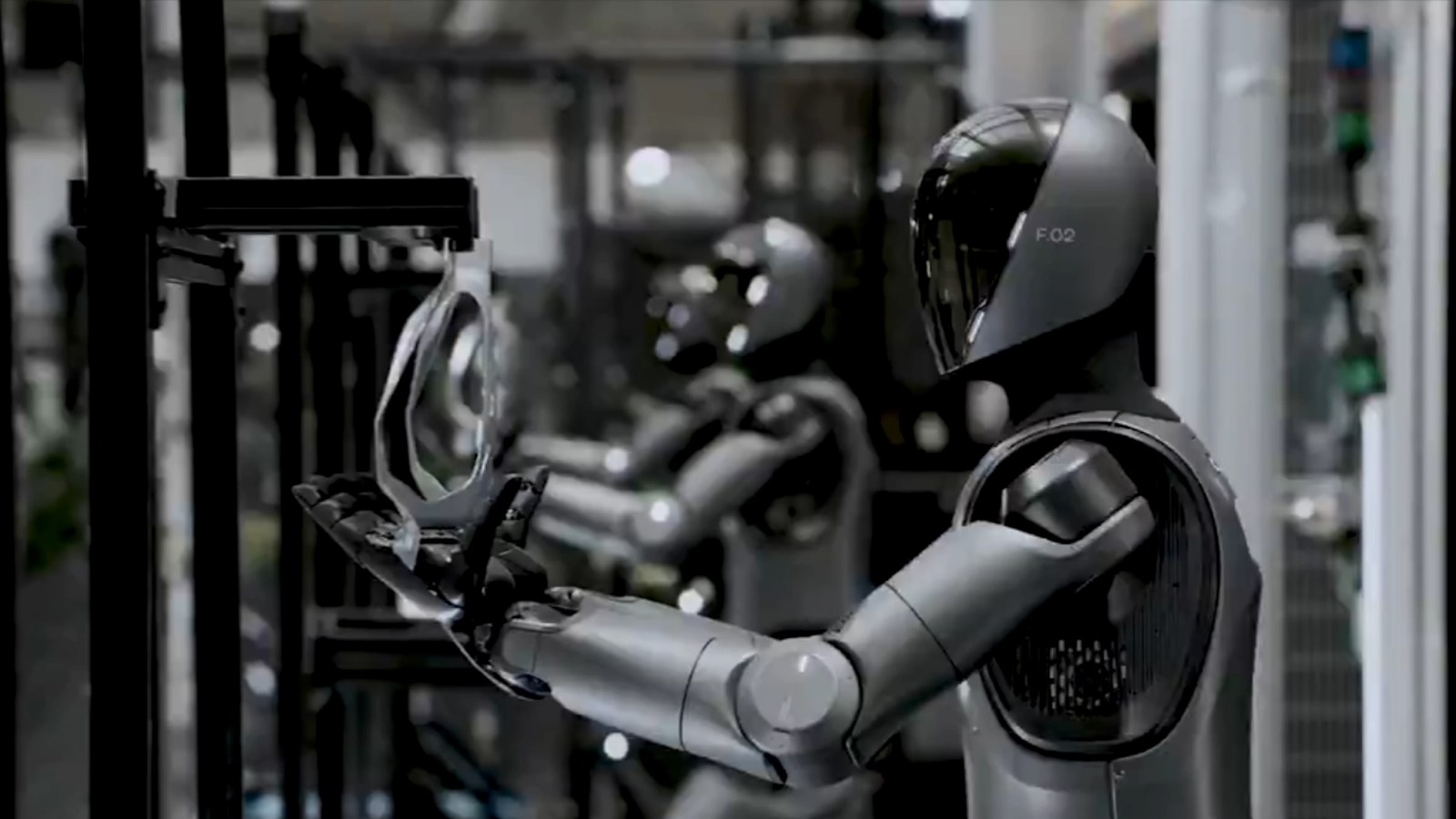
1. What is Figure 03?
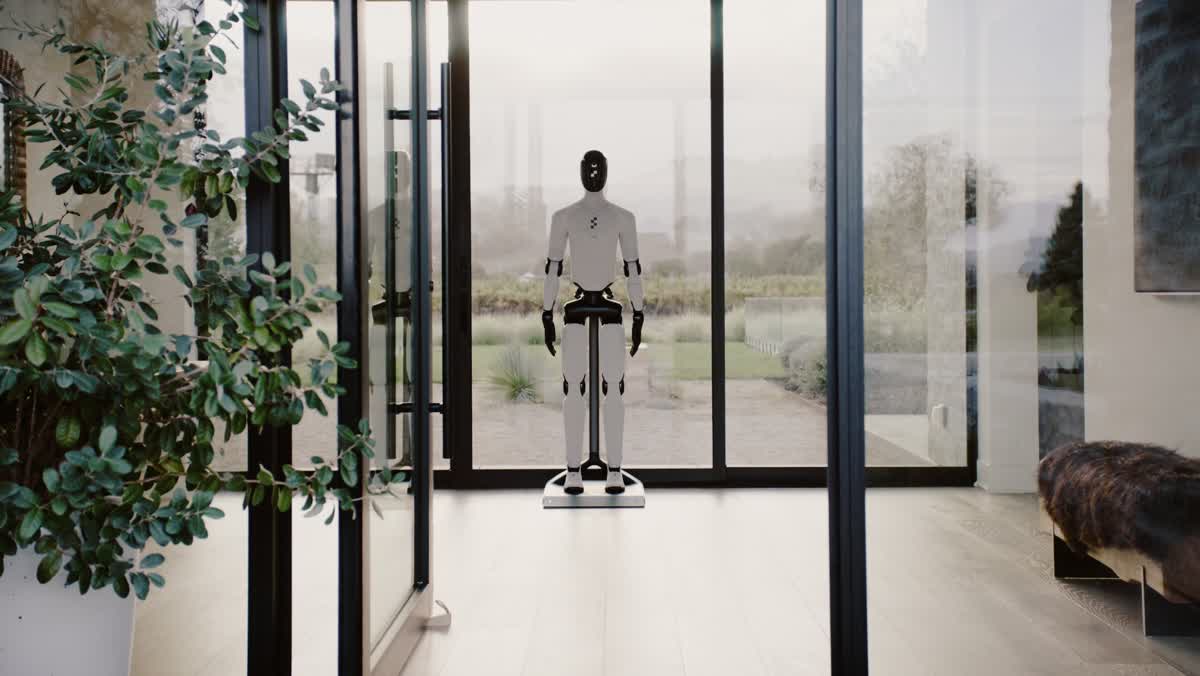
Figure 03 is the third-generation electric humanoid robot from Figure AI, introduced on October 9, 2025. It is designed for household work, industrial deployment and logistics. Its onboard AI system, Helix, interprets visual information and instructions to control physical movements.
Figure has demonstrated the robot doing laundry, handling dishes, moving through indoor spaces and performing industrial manipulation. It measures about 173 cm, weighs 61 kg, has a stated runtime of five hours and a 20 kg rated payload.
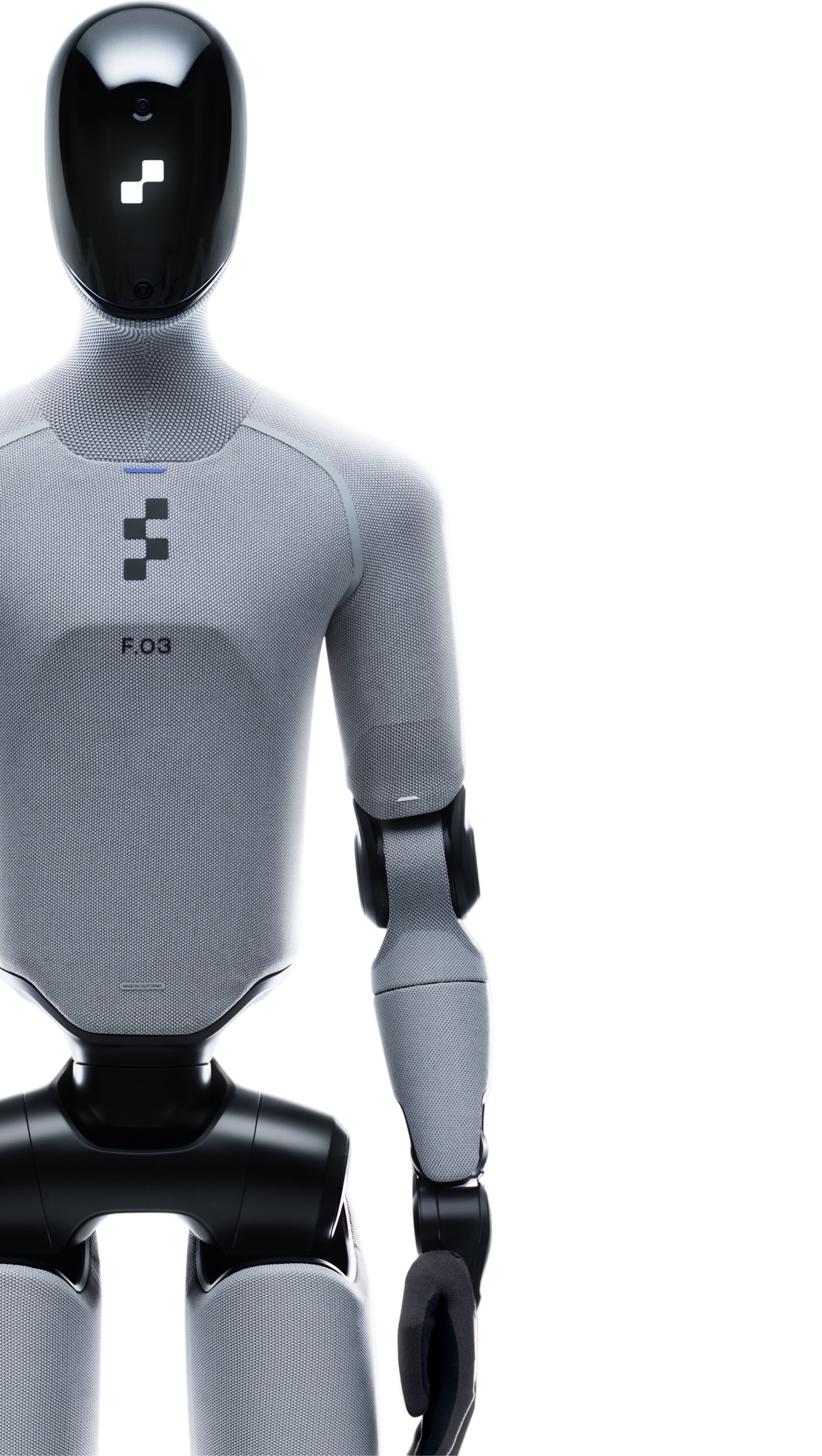
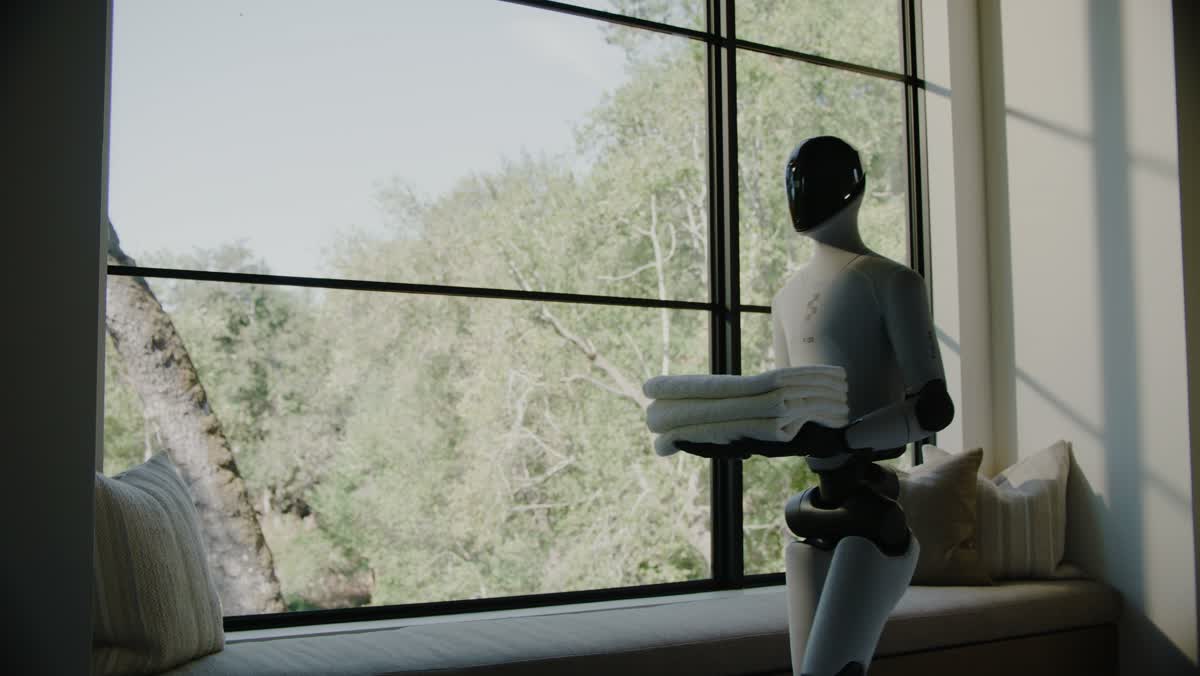
Figure 03 announcementhttps://www.figure.ai/news/introducing-figure-03
2. Who created Figure 03?
Figure AI was founded in 2022 by Brett Adcock in the United States. The company is based in California.

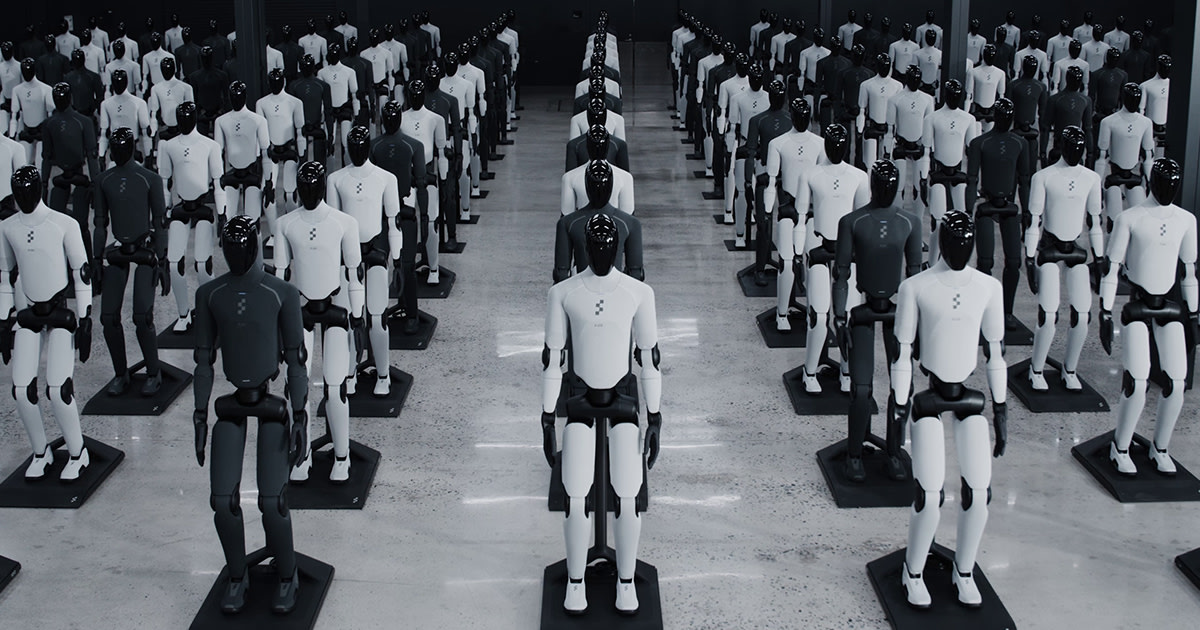
- Figure 01 took its first steps in May 2023.
- Figure 02 focused on work in industrial environments.
- Figure 03 was designed for domestic and commercial applications and for production at scale.
The mechanical, electrical and software teams redesigned the robot’s hardware and software around Helix. Figure designs critical actuators, batteries, sensors, structures and electronics in-house and has established production processes at BotQ. Figure 03 uses more casting, molding and stamping processes than its predecessor. Individual subsystem lead designers are not listed in the launch material.
Company historyhttps://www.figure.ai/company
Founder and CEOhttps://www.figure.ai/culture
BotQ factoryhttps://www.figure.ai/news/botq
3. Technical specifications
| Specification | Figure 03 |
|---|---|
| Height | About 173 cm (5 ft 8 in) |
| Weight | 61 kg; battery inclusion is not specified |
| Payload | 20 kg; no per-arm or posture condition specified |
| Movement speed | 1.2 m/s (4.32 km/h) |
| Battery runtime | 5 hours; workload not specified |
| Battery capacity | 2.3 kWh |
| Wireless charging | 2 kW |
| Hands | Five fingers per hand with compliant fingertips |
| Tactile sensing | Detects forces equivalent to a 3 g mass |
| Cameras | Head and embedded palm cameras |
| Wireless data transfer | 10 Gbit/s mmWave |
| AI system | Helix |
| Actuation | Electric |
| Total actuated joint count | Not publicly specified |
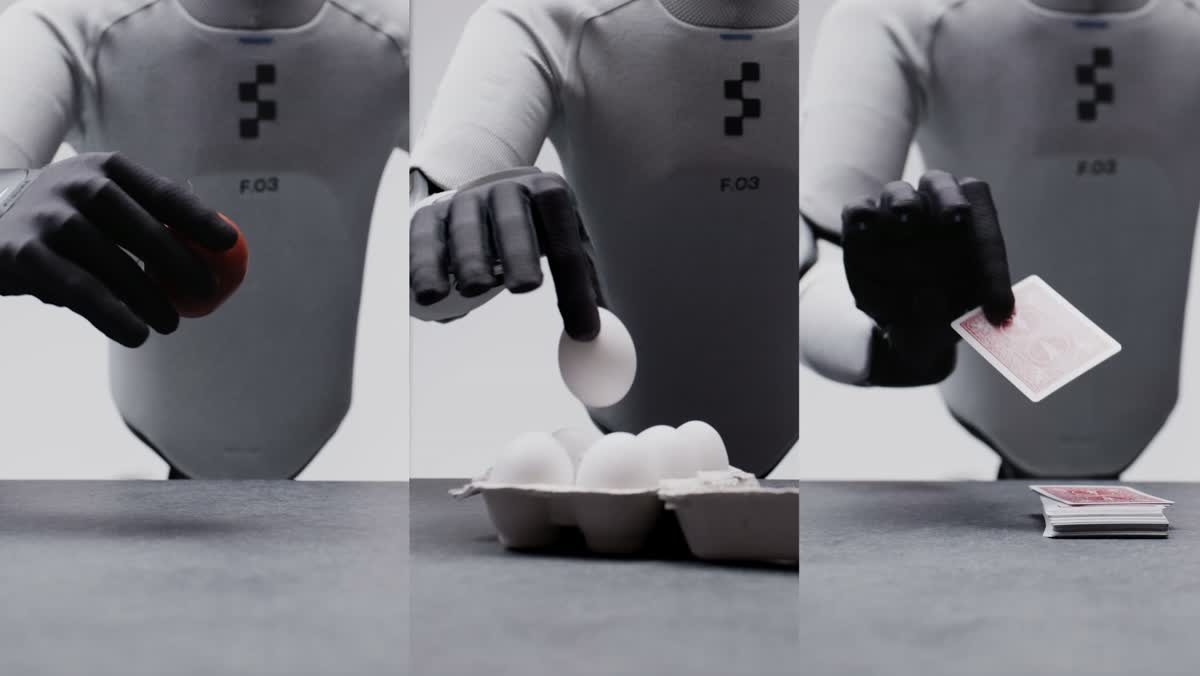
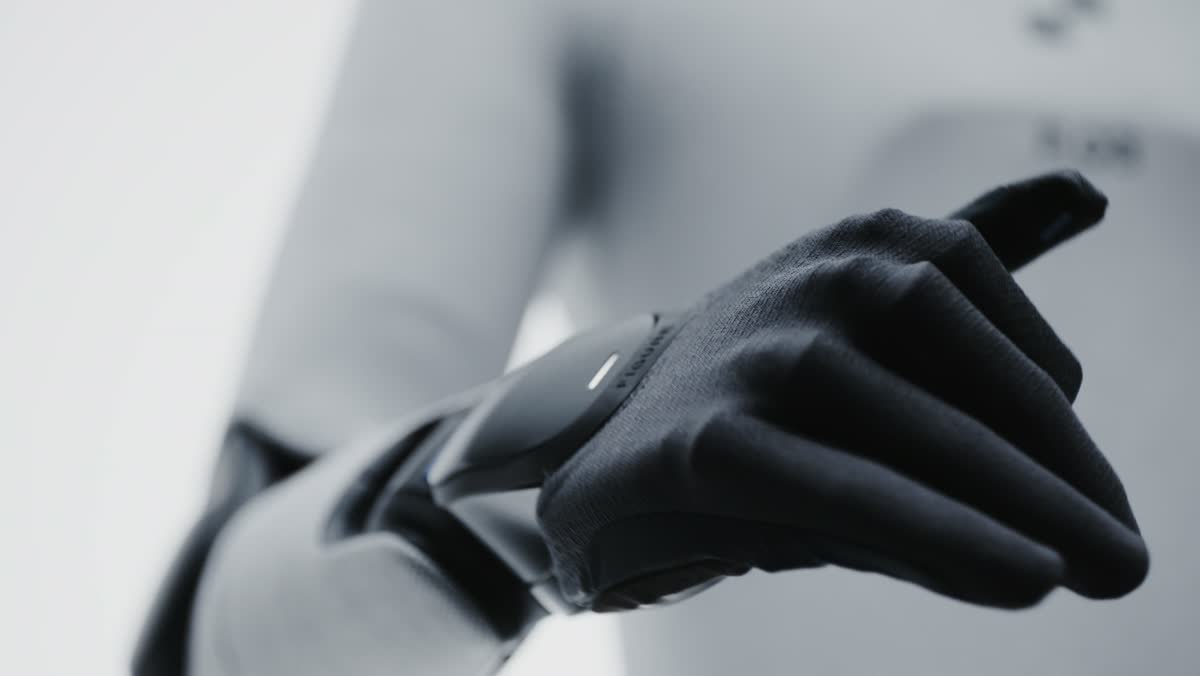
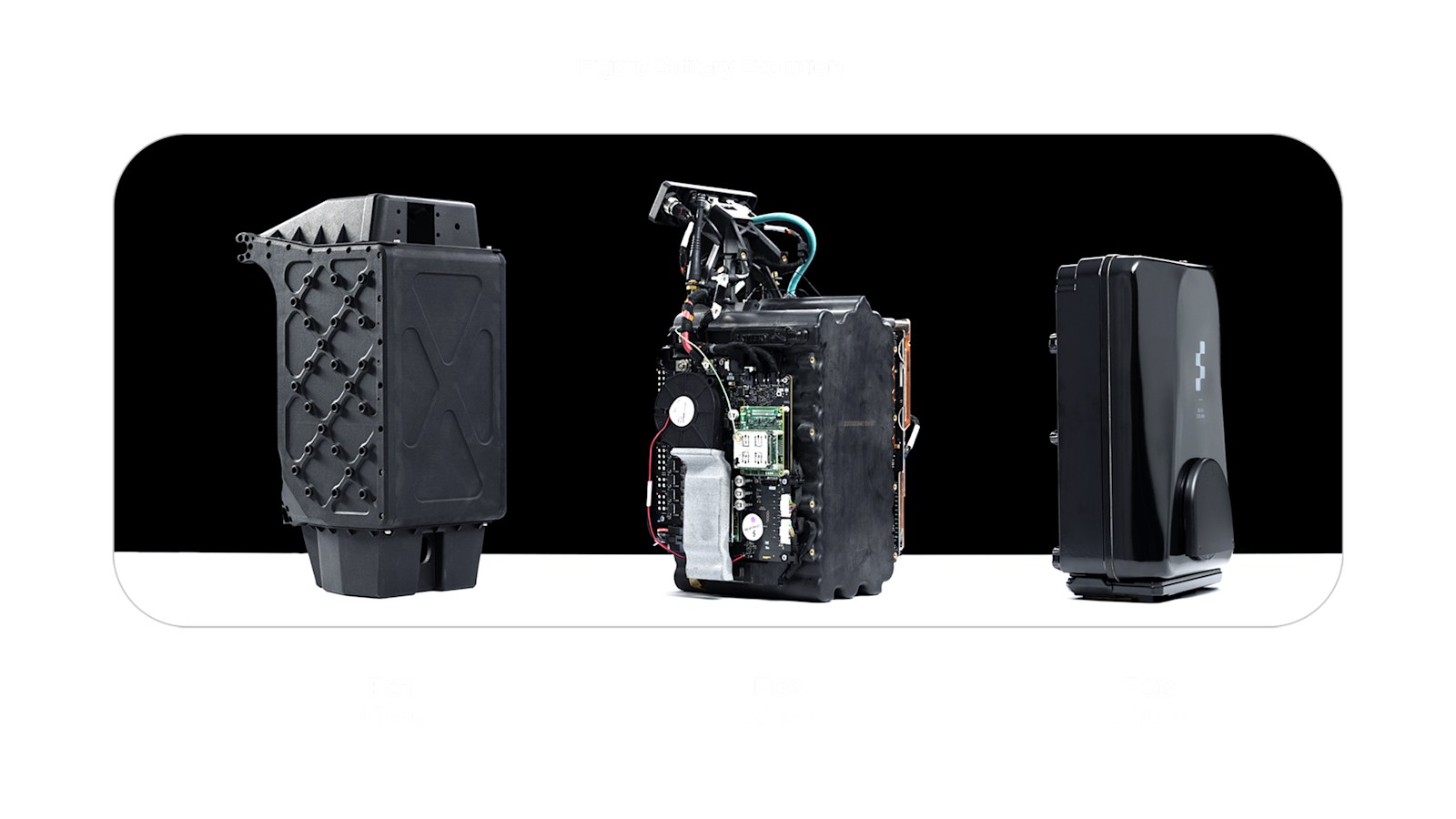
A palm camera gives the robot a close view of an object when a head camera is blocked by the arm or the object itself. Fingertip touch sensing measures contact and helps regulate grip force. The manufacturer also describes washable covers and a battery tested to UN38.3. These specifications are manufacturer figures; the five-hour runtime and payload have no common, independently verified test condition.
Official product specificationshttps://www.figure.ai/figure
Battery developmenthttps://www.figure.ai/news/f-03-battery-development
4. How much does Figure 03 cost?
As of November 17, 2026, no verified public retail price for Figure 03 has been announced. Figure has reported reductions in manufacturing costs between generations, but those figures do not establish what a customer would pay.
A deployment quotation should identify the price of the robot, charging equipment, software or service agreements, maintenance, support and any installation or operator training. There is no published final household delivery date in the reviewed product information.
5. How to buy and order Figure 03
Figure 03 does not have a confirmed public checkout page for immediate private purchases. Businesses interested in using Figure robots can contact Figure AI directly through the Contact Us form on its official website. Figure announced the arrival of Figure 03 robots at BMW Spartanburg in June 2026.
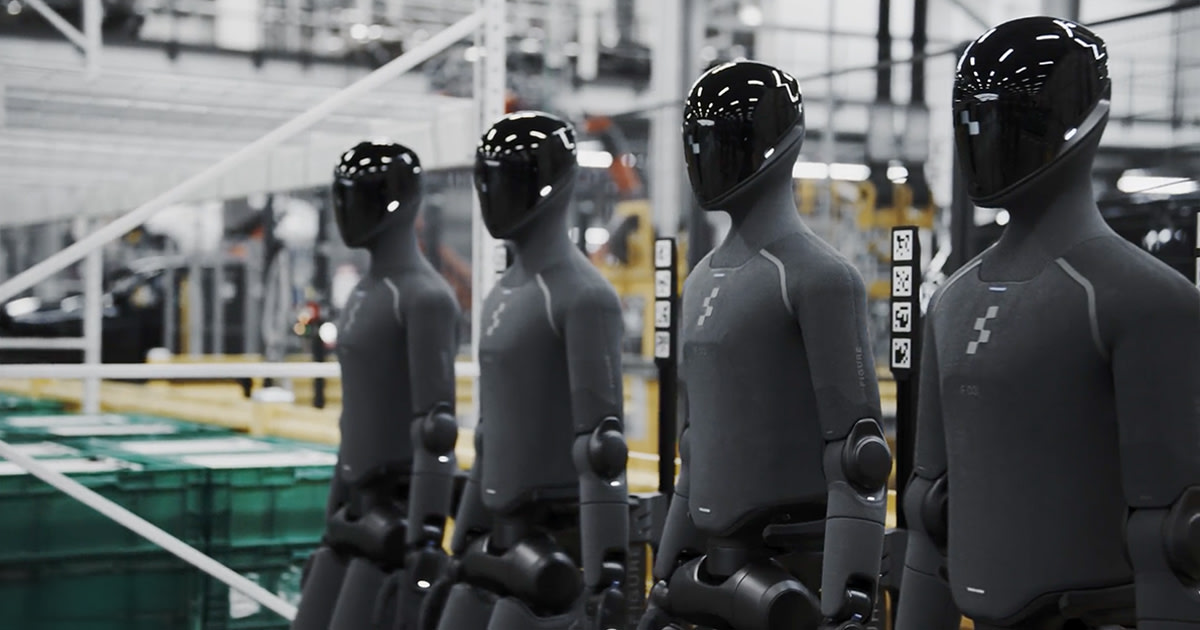
- Open the manufacturer’s product page and select Contact Us.
- Provide your business name, country and intended work environment.
- Describe the task, site and anticipated number of robots.
- Ask Figure for availability, a quotation, charging requirements, warranty and technical support.
- Agree on delivery, integration and training if the manufacturer accepts the deployment.
Submitting an inquiry is not the same as placing a confirmed retail order. Verify any proposed payment or distributor with Figure AI.
Official product and contact formhttps://www.figure.ai/figure
Figure 03 at BMWhttps://www.figure.ai/news/f-03-at-bmw
6. Tools and equipment
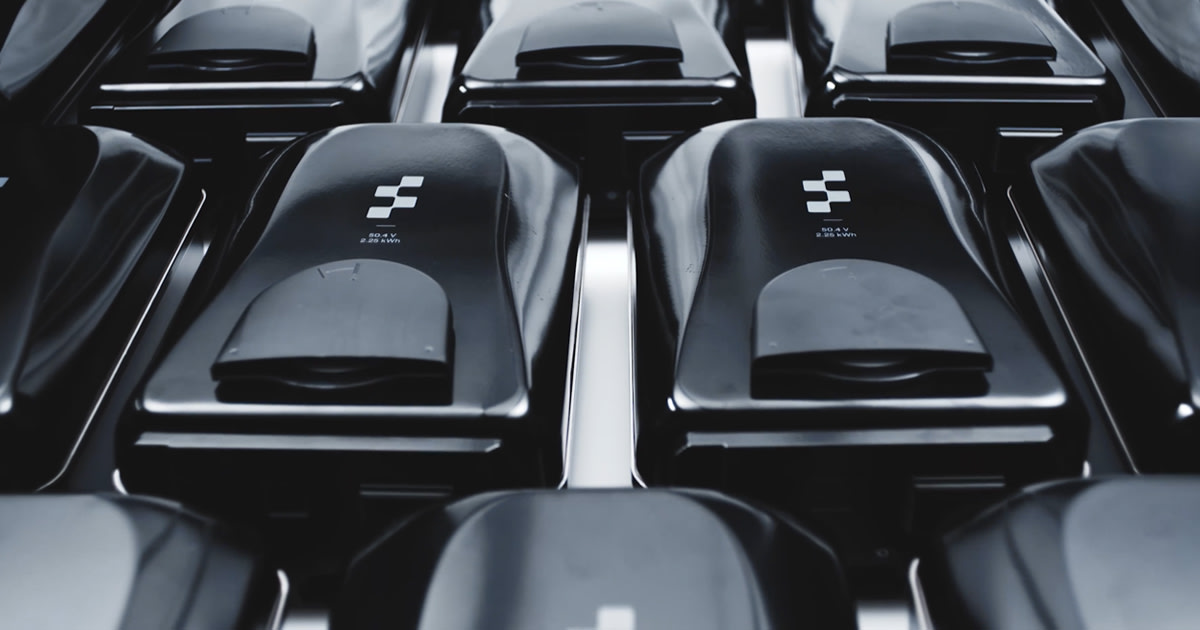
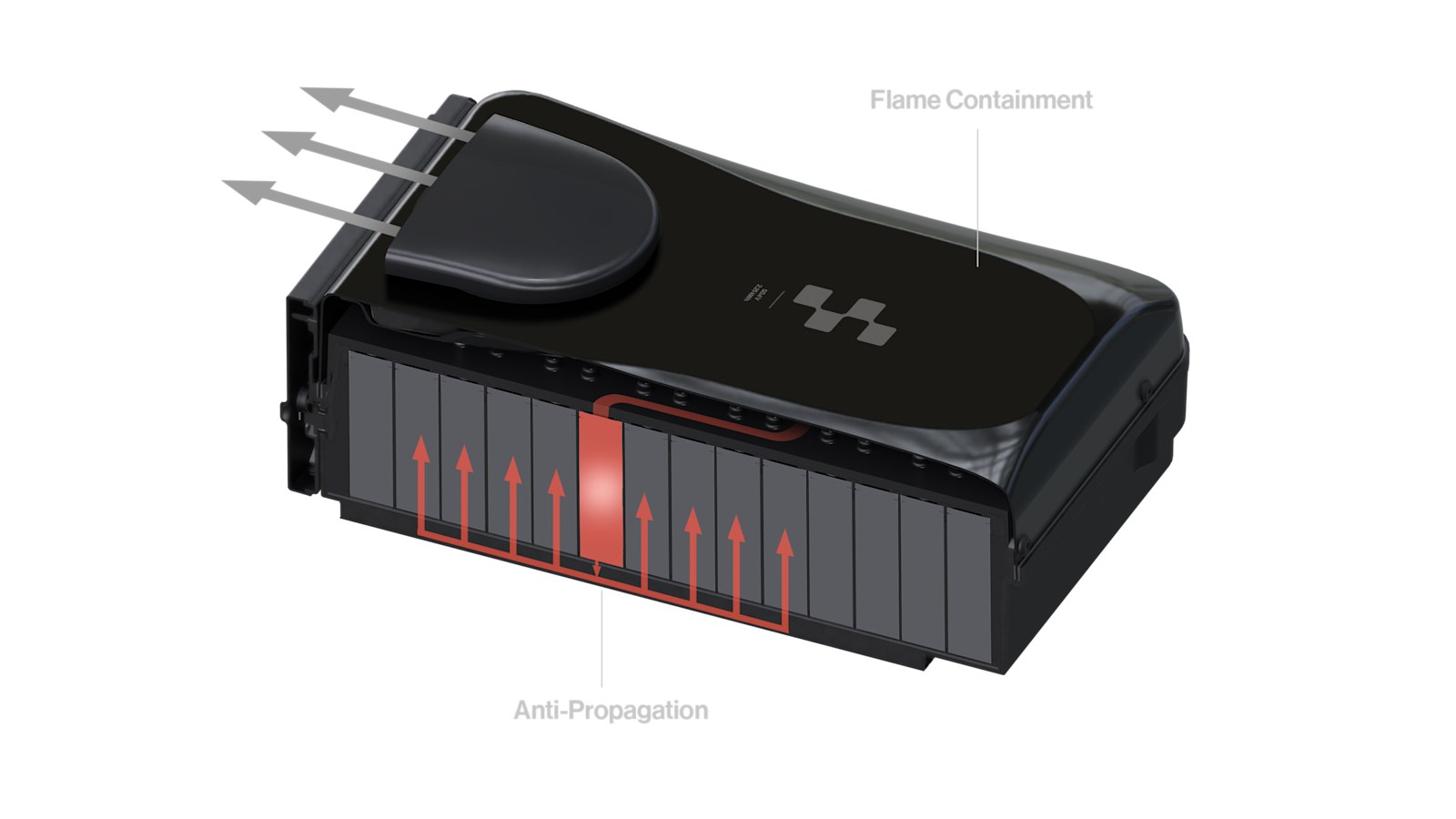
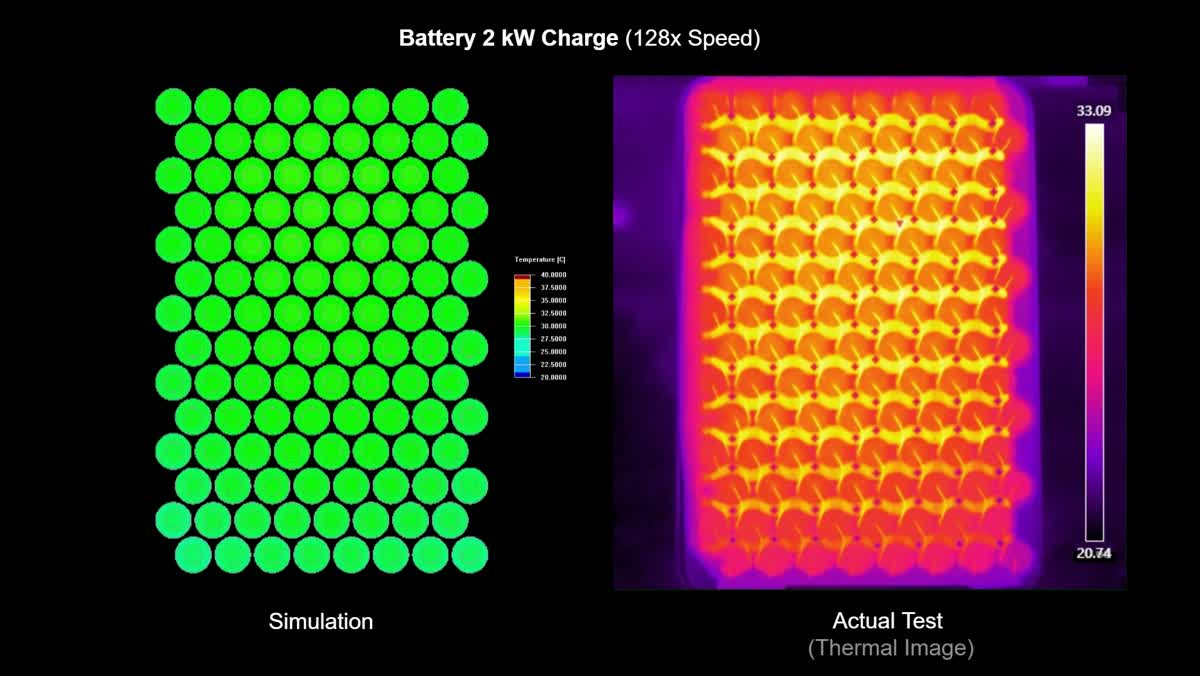
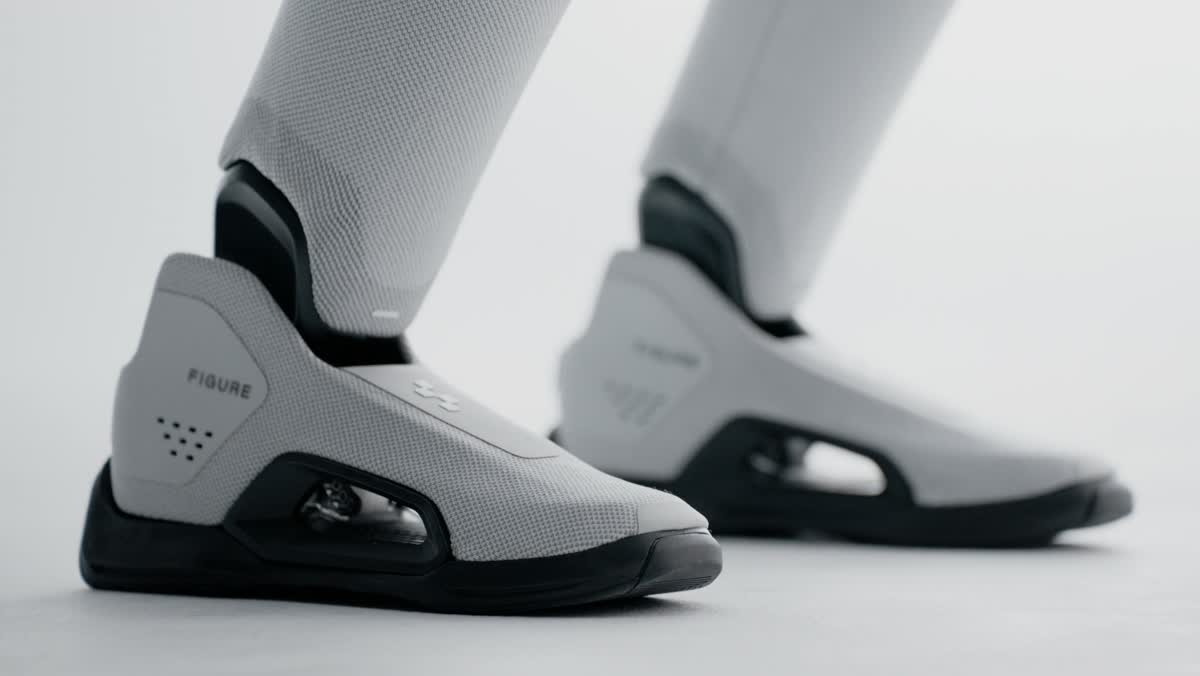
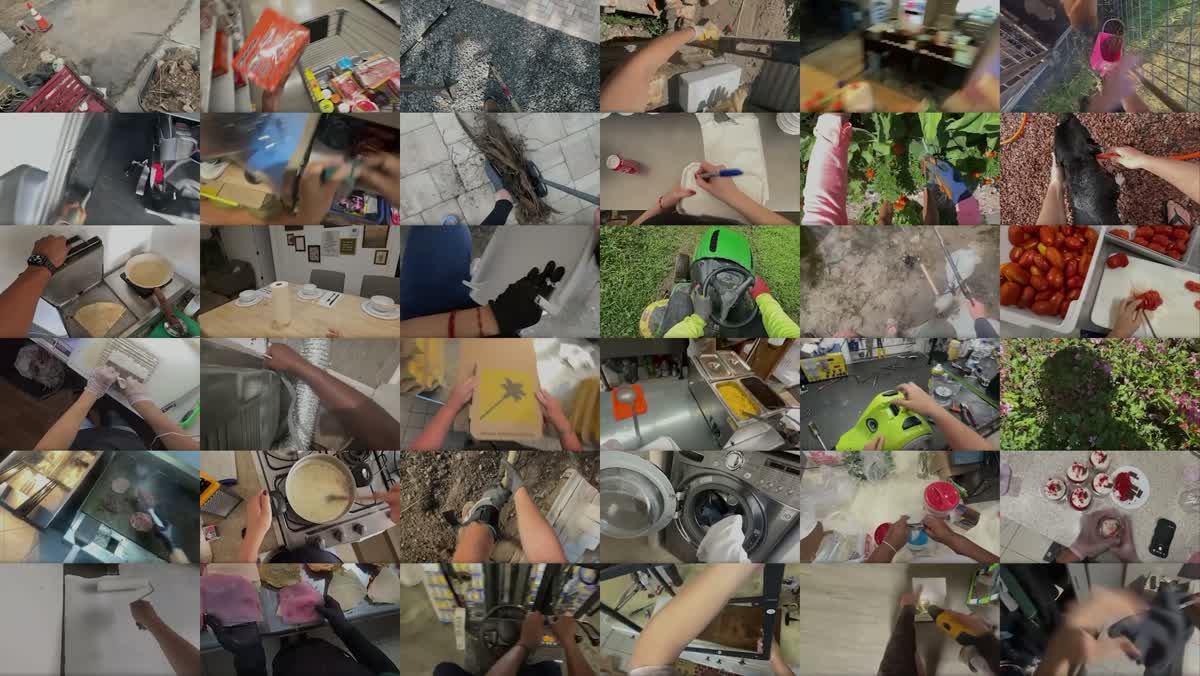
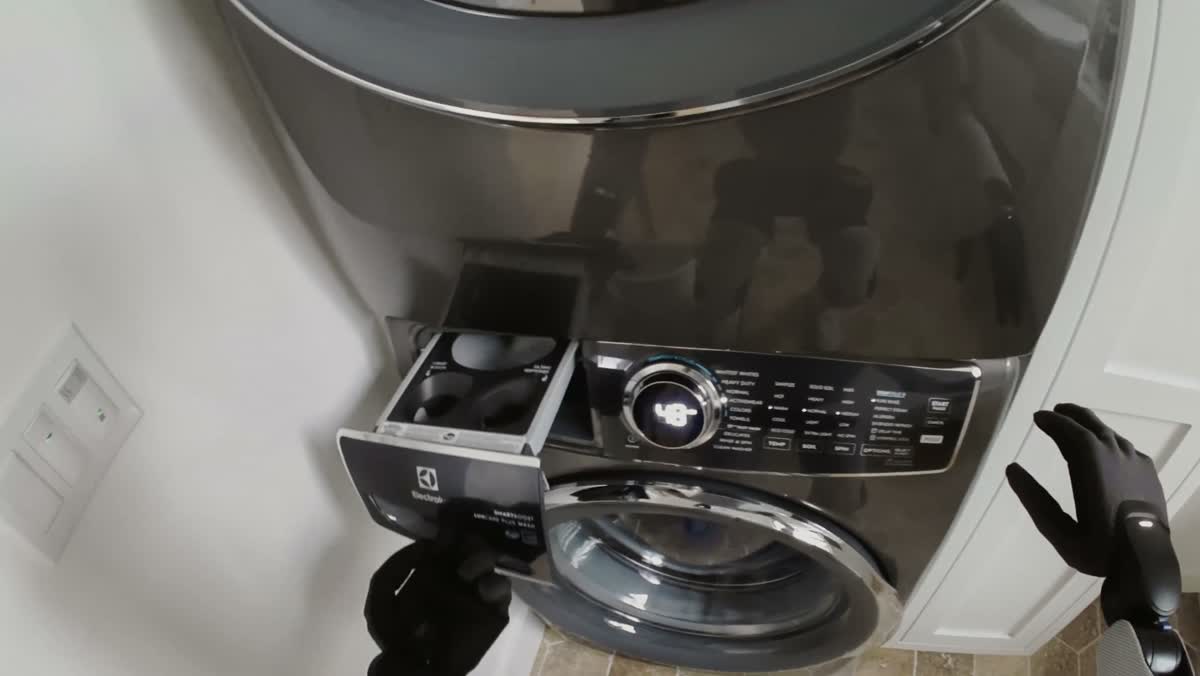
A complete setup includes the robot, its built-in battery, a compatible inductive charging stand and the manufacturer’s authorized operating software. Research and development also need human demonstration data, suitable computing infrastructure and a controlled test area. Figure’s AI development infrastructure is separate from the hardware required for an ordinary deployment.
Charging coils in the robot’s feet allow it to step onto the charging stand and recharge without connecting a cable manually. The charging rate is 2 kW. That rating measures charging power, not average energy consumption while working.
Charging and hardware descriptionhttps://www.figure.ai/news/introducing-figure-03
Battery architecture and charging testshttps://www.figure.ai/news/f-03-battery-development
Human demonstration datahttps://www.figure.ai/news/introducing-index
7. How to start Figure 03
Figure does not provide a public step-by-step owner manual for powering on or shutting down Figure 03. The following sequence illustrates the general commissioning process. It is not an official list of buttons or instructions to operate the hardware.
Inspect the machine for damage, verify battery and charging status, initialize the approved system, confirm its safety checks and start the authorized control software. Only trained operators should carry out the physical procedure according to the instructions delivered by Figure. A 61 kg robot can cause injury if it falls or moves unexpectedly. Obtain the documented stop and recovery procedure before testing.
Figure describes interaction by spoken instructions and autonomous task execution. The details of the user interface and access permissions must be obtained from the company.

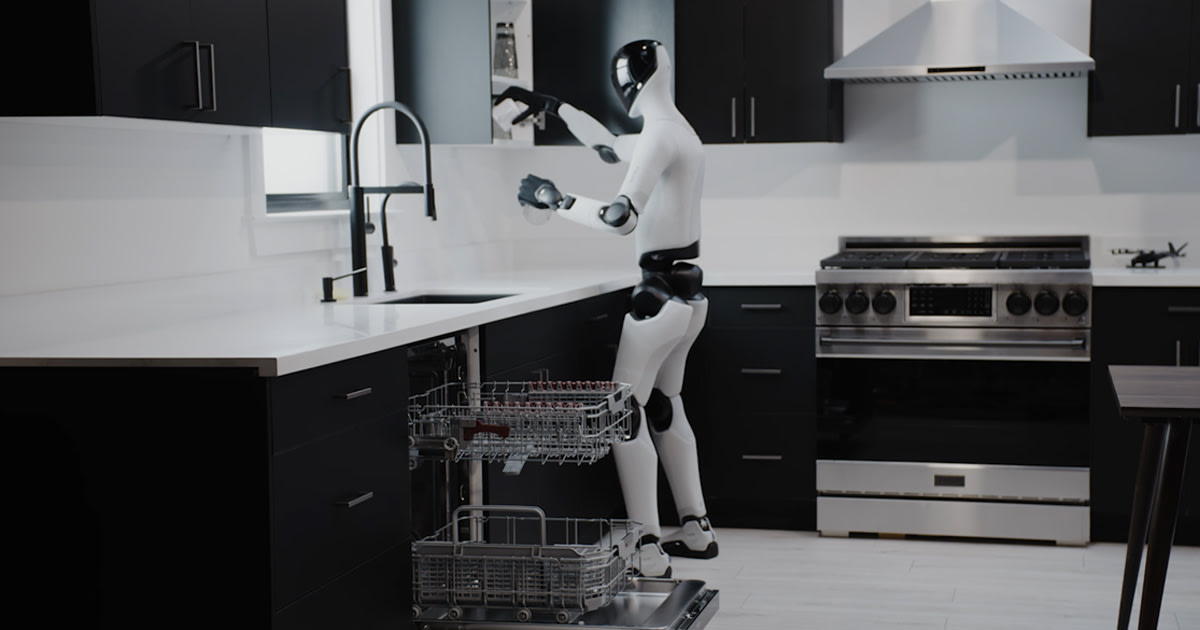
8. How to make Figure 03 walk
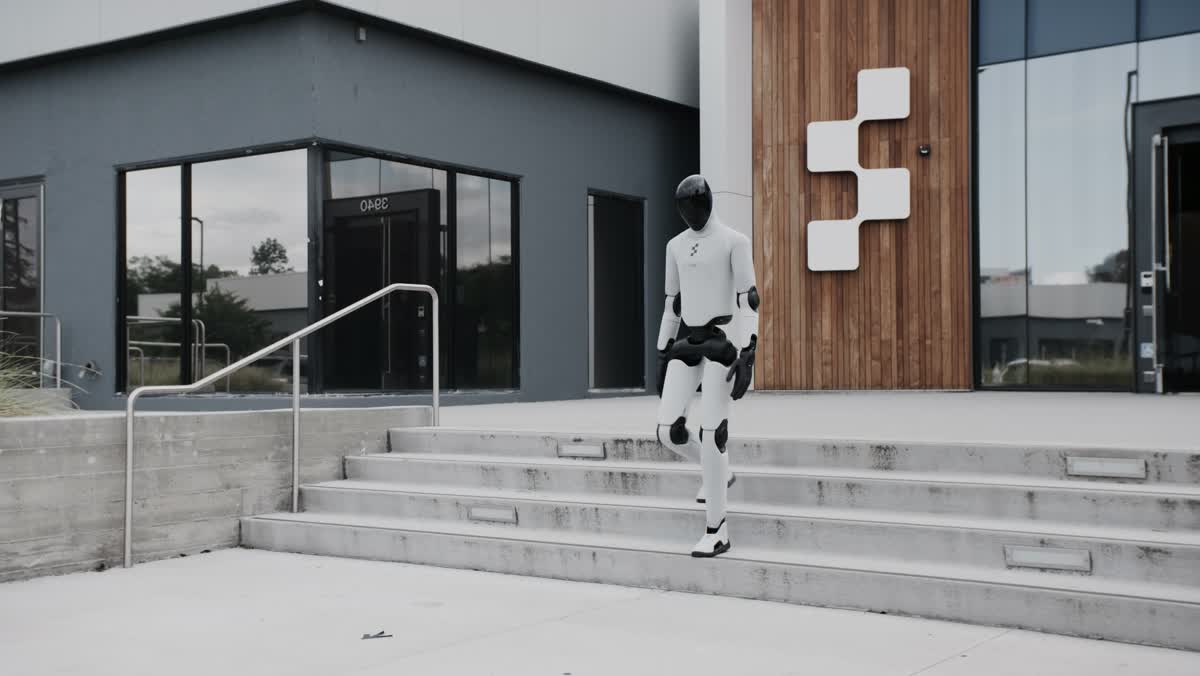
Helix 02 uses System 0 (S0), a learned whole-body controller running at 1 kHz. It was trained with more than 1,000 hours of human motion data. The model coordinates the legs, torso and arms while responding to joint states and changes in balance.
Figure later added camera-conditioned terrain perception to S0. Stereo processing of head-camera images supplies a three-dimensional representation of the surroundings, so the controller can account for steps, slopes and uneven surfaces. Figure demonstrated stair traversal with a policy trained in simulation and transferred to physical hardware.
An authorized task could require the robot to walk to an appliance or carry an object to another location. Helix handles the underlying movement rather than requiring the operator to command each joint. Figure has not published the procedure for a private user to select a walking mode or issue direct joint commands.
Helix 02 whole-body controlhttps://www.figure.ai/news/helix-02
Camera-conditioned locomotionhttps://www.figure.ai/news/ramping-figure-03-production
9. How to make Figure 03 run
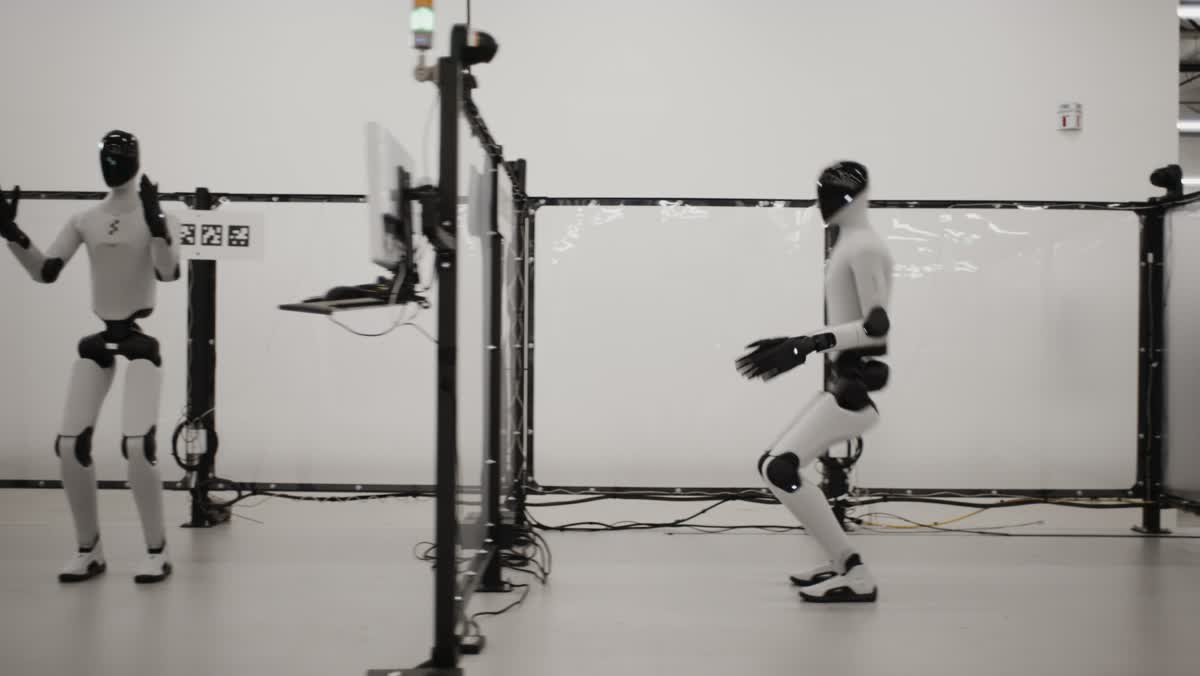
The product specification lists a movement speed of 1.2 m/s, equivalent to 4.32 km/h. It does not establish a verified maximum running speed. Figure also reports jogging as part of the repeated factory burn-in exercises used to test mechanical and electrical reliability before delivery.
For a research team to train running, it would need a robot model, motion references, dynamic balance and contact control, simulation and supervised hardware validation. The robot must handle ground impacts, changing support phases and stability as speed increases. Figure does not provide a public running command or custom running-mode tutorial for individual owners.
Production validation and motion testshttps://www.figure.ai/news/ramping-figure-03-production
10. How to make Figure 03 dance
A researcher could develop a dance by recording human motion, adapting its joint trajectories to the robot’s geometry and validating balance, ground contact, joint limits and actuator loads in simulation. The policy would then need supervised testing on the physical robot, using the manufacturer’s authorized interfaces.
- Capture the movements and timing of a human dancer.
- Retarget the motion to the humanoid joint structure.
- Train or solve a whole-body policy that maintains balance throughout the sequence.
- Check contact forces, joint limits and collision risks in a simulated environment.
- Validate on the real robot with permission, trained staff and a safe test space.
This is a general robotics development method. Figure has not published a Figure 03 dance library, choreography editor or owner tutorial that would allow customers to install such a routine.
11. Software and technologies
| Software or technology | Role |
|---|---|
| Helix System 2 | Interprets language, scenes and task goals; sequences behavior |
| Helix System 1 | Transforms perception and goals into whole-body joint targets at 200 Hz |
| Helix System 0 | Executes joint commands and handles balance and contact at 1 kHz |
| Fleet Management System | Coordinates robots and monitors their location, health and operational status |
| OTA updates | Distributes software updates and approved new behaviors across the fleet |
S1 receives head and palm images, fingertip touch signals and proprioceptive information. S0 tracks the desired joint targets and uses joint and body state to coordinate the whole robot. S2 works at a slower rate to interpret goals. A human instruction to carry a bowl can therefore produce a series of walking, reaching and grasping actions.
Helix 02 architecturehttps://www.figure.ai/news/helix-02
Fleet software and OTA updateshttps://www.figure.ai/news/ramping-figure-03-production
12. How to program Figure 03
Figure 03 is a proprietary humanoid system. The reviewed sources do not establish a publicly downloadable SDK comparable to Unitree’s documented direct motor-control interface, a supported ROS 2 interface or the underlying robot operating system.
For a beginner learning the programming principles, Python is a useful first language. A physics simulator and reinforcement learning framework can be used to practice robot kinematics, joint control, gait learning and motion tracking on a freely available humanoid model. Those tools do not provide access to proprietary Figure software or hardware.
A team wishing to program Figure 03 must request the supported development interfaces, model files, authorization and deployment procedures from Figure. Without them, there is no verified installation command or example program that can be run on a privately purchased Figure 03.
13. How to train Figure 03 for new movements
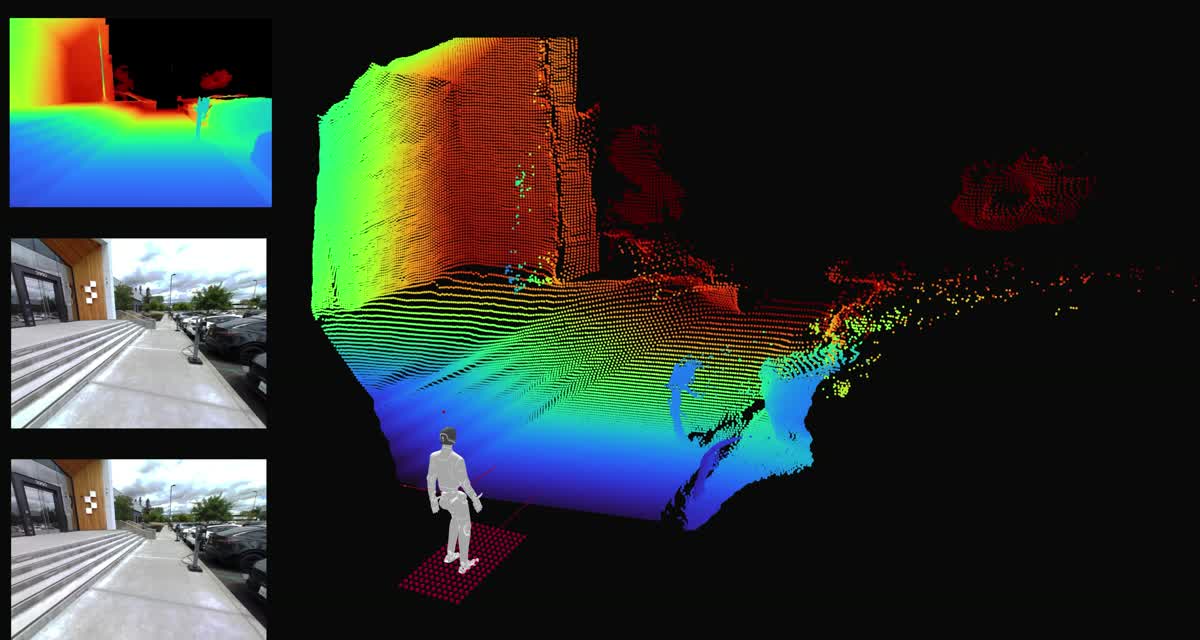
System 0 is a 10-million-parameter neural network trained with more than 1,000 hours of human motion adapted to humanoid joints. Figure reports training in more than 200,000 parallel simulated environments with variations in physical conditions. These variations help a learned policy work on the real robot rather than only on the simulator.
The training process begins with human movement data and a robot model. Reinforcement learning teaches the controller to track those movements while staying balanced. Engineers vary terrain and other conditions in simulation, transfer the validated policy to physical robots and evaluate how the motion performs. Figure reported that its camera-conditioned stair policy transferred to actual staircases without real-world fine-tuning.
System 0 training methodshttps://www.figure.ai/news/helix-02
Terrain variation and physical deploymenthttps://www.figure.ai/news/ramping-figure-03-production
14. Official resources
Official product, company and engineering information. Reference addresses can be copied. Published specifications and demonstrations are attributed to Figure AI.
| Resource | Official address |
|---|---|
| Figure 03 product information | https://www.figure.ai/figure |
| Figure 03 launch and sensory hardware | https://www.figure.ai/news/introducing-figure-03 |
| Helix 02 whole-body control | https://www.figure.ai/news/helix-02 |
| Figure 03 battery development | https://www.figure.ai/news/f-03-battery-development |
| BotQ manufacturing | https://www.figure.ai/news/botq |
| Figure 03 production and terrain control | https://www.figure.ai/news/ramping-figure-03-production |
| Figure 03 at BMW | https://www.figure.ai/news/f-03-at-bmw |
| Company background | https://www.figure.ai/company |
| Helix demonstrations | https://www.figure.ai/helix |
Figure 03: buying, commissioning and lifetime support
Use this ownership checklist alongside the detailed technical guide. Product claims and original profile data are distinct from the suggested acceptance tests. Additional official sources consulted on 24 November 2026 where available.
| Item | Existing configuration record |
|---|---|
| Configuration | Third generation |
| Commercial status | Availability unconfirmed |
| Price and ordering record | The official pages describe the product but do not provide a public checkout price or a confirmed delivery date. |
| Published runtime | 5 h; Product-page estimate. Workload is not stated. |
| Published payload | 20 kg; Product-page payload. Arm allocation and posture are not stated. |
Where to buy and what the price includes
Contact Figure about deployment terms. Request a signed offer for the robot, charging equipment, software and support rather than treating production announcements as retail availability.
Official sales / product information
Request an itemized landed cost: robot and options, charger and spare packs, shipping, import duties, commissioning, software subscription, staff training, spare parts and service. Confirm currency, region, warranty exclusions and acceptance terms in writing.
Installation, software and first commissioning
Helix is Figure’s proprietary vision-language-action system; the hand and sensory redesign supports that system. Public Helix demonstrations do not provide an owner-installable policy.
- Sensors and joint feedback
- State estimation / task control
- Approved motion controller
- Actuators and end effector
- Measured task result
Feedback, fault detection and the approved stop function constrain the command path.
On delivery, match serial number, options and manual; inspect for shipping damage, prepare the manufacturer-approved workspace, verify stop functions with the installer, connect only the documented controller and establish a read-only diagnostic baseline. Perform the first motion under manufacturer supervision where required.
Firmware and software updates
Ask Figure which software and policy versions are delivered, how updates are scheduled, and whether rollback and telemetry export are available.
Official documentation / releases
Before changing versions, save calibration, configuration, task scripts and logs where export is supported. Review compatibility and recovery policy, schedule downtime, maintain the required power and network conditions, and test the same approved task after the update. A downgrade is only appropriate if supported by the vendor.
Battery, charging and usable service life
Figure 03 incorporates wireless charging. Battery safety work is described separately from runtime and cycle endurance. Verify charger placement, task duty cycle and usable capacity.
Official power or product record
Battery cycle life and robot service life are different. Equivalent full cycles (EFC) can be estimated as cumulative discharged energy (Wh) divided by initial usable pack energy (Wh). State of health (SOH) is measured usable capacity divided by baseline usable capacity × 100%, under comparable conditions. Example only: 1,800 Wh discharged from a 600 Wh reference pack equals 3 EFC; neither number is a specification for this robot. Ask for the manufacturer’s cycle rating, temperature limits, capacity-retention criterion and warranty. Do not use an arbitrary percentage as a replacement threshold.
Maintenance and common failure checks
| When | Inspection and evidence |
|---|---|
| Before operation | Evaluate hand contact wear, camera contamination and wireless charging alignment; record the same household or factory task before and after service. |
| After a fault or impact | Do not restart a damaged robot. Capture fault code, timestamp, joint feedback and power state; have the vendor identify the cause before clearing faults. |
| After software or parts change | Record versions and replaced part serials; compare the same approved test with the earlier baseline. Stop on new errors or unexpected movement. |
| At manufacturer service intervals | Use the documented interval and authorized service procedures. No universal calendar or lubricant is assumed. |
| At end of service | Ask about spare-part availability, data removal, battery take-back and local electronics recycling. |
What is still missing before purchase
Confirm the battery cycle rating, warranty and service life for this exact serial-numbered configuration, along with spare-part lead times, repair turnaround, supported software versions and end-of-support dates. These are procurement questions, not invented published values. Record the actual task success rate, intervention count and productive hours in your acceptance trial.
How to install the software mentioned on this page
Choose only the tools required for your project. The commands below describe development and simulation setup, not proof of compatibility with a specific physical robot. Match the versions in the original project and test offline before connecting hardware.
Python Windows, macOS, Linux
Install the Python release required by your robot or library. On Windows use the official installer; on Ubuntu use the distribution package. Create a separate virtual environment for each project.
Installation / setup commands
python -m venv .venv
# Windows PowerShell:
.\.venv\Scripts\Activate.ps1
# Linux or macOS:
source .venv/bin/activate
Verify the installation
python --version
python -m pip --version
Official instructions: https://www.python.org/downloads/
ROS 2 (Jazzy example) Ubuntu 24.04 for Jazzy; other distributions have different instructions
On Ubuntu 24.04 first configure the official ROS apt repository using the documented ros2-apt-source procedure. Then install Jazzy desktop. Use the distribution required by your robot; for example Humble normally uses Ubuntu 22.04.
Installation / setup commands
sudo apt update
sudo apt install ros-jazzy-desktop
source /opt/ros/jazzy/setup.bash
Verify the installation
ros2 --help
Official instructions: https://docs.ros.org/en/jazzy/Installation/Ubuntu-Install-Debs.html
Manufacturer SDK / robot software Exact robot model and firmware version
Check whether the manufacturer provides a public SDK or a licensed developer package for this edition. Obtain the matching release and installation manual from the manufacturer. Install its documented dependencies in an isolated environment and run the offline import or simulator check. Do not flash firmware or send motor commands during installation.
Verify the installation
Confirm supported model, OS, SDK and firmware version. If no public installer is documented, request developer access from the manufacturer.