Published specifications for PM01
- Height
- 140 cmConverted from 1400 mm in the Education table.
- Mass
- About 44 kgIncludes battery.
- Actuated joints
- 24 body joints5 per arm, 6 per leg, 1 waist and 1 neck.
- Battery runtime
- 2 hManufacturer estimate, without task workload.
Not established for this configuration: Reported speed.
Hardware and components
- Actuation
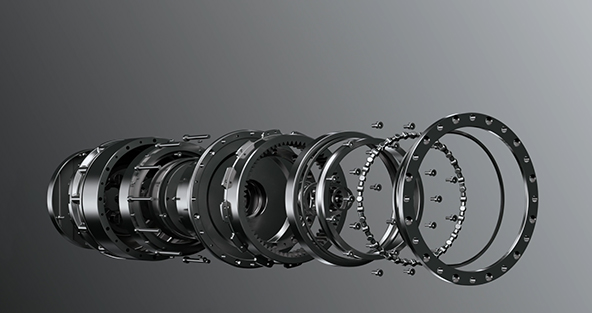
- Permanent-magnet synchronous motors; peak joint torque 164 N m.
- Vision
- Binocular cameras at head and waist; no LiDAR in Education configuration.
- Compute
- Eight-core CPU and NVIDIA Jetson Orin NX 16 GB.
- Power
- Quick-release pack; quoted full charge takes two hours.
Control and operating conditions
The Education table lists secondary development, a handheld controller and a chest touchscreen. Confirm OS, ROS 2 and simulation tools against the delivered SDK.
Ordering and access
The official page offers purchase access. Request pricing for the 2026 Education configuration and the destination.
Manufacturer and development
EngineAI was founded in Shenzhen in 2023 and develops both robot hardware and motion-control software.
Questions specific to EngineAI PM01
What does a lab need before training a controller?
Obtain the joint-command permissions, example controllers and exact software release. Log walking speed, payload, surface and charging conditions rather than assuming the battery estimate is a navigation benchmark.
EngineAI PM01: Complete Guide to Buying, Starting and Programming the Humanoid Robot
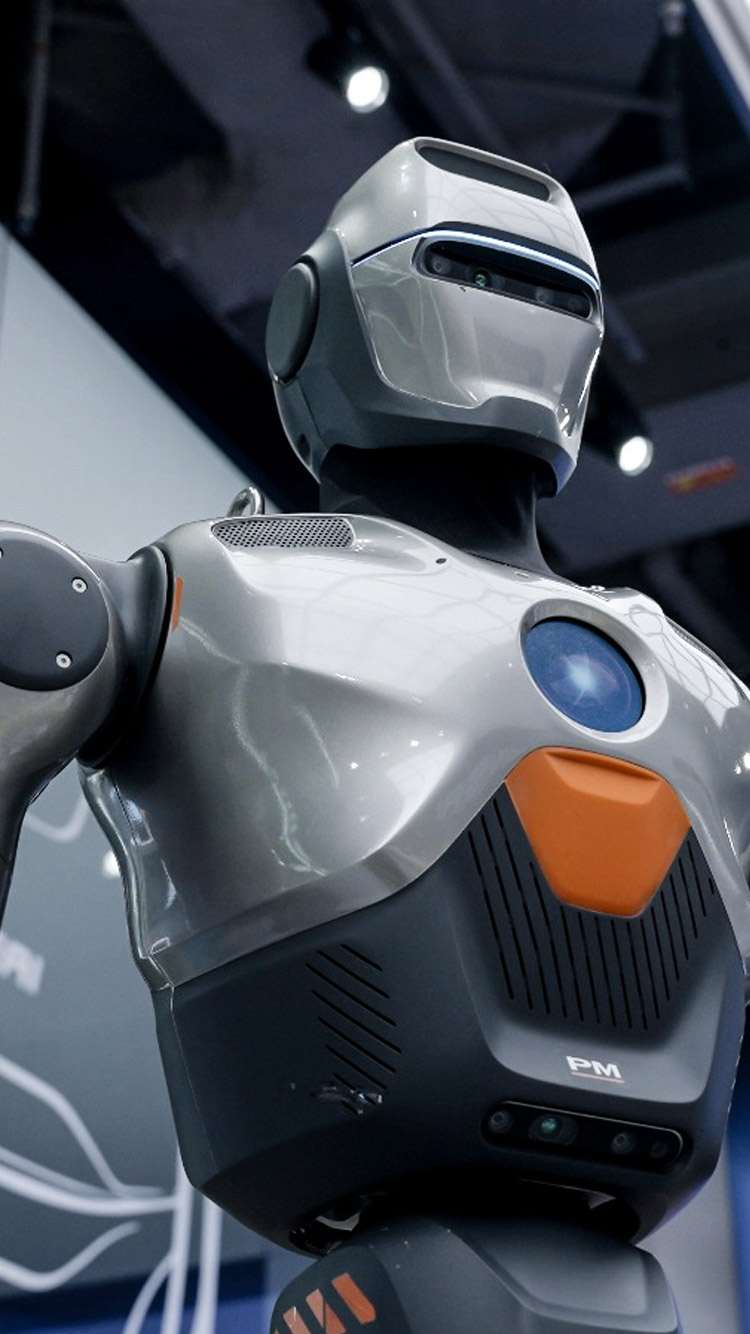
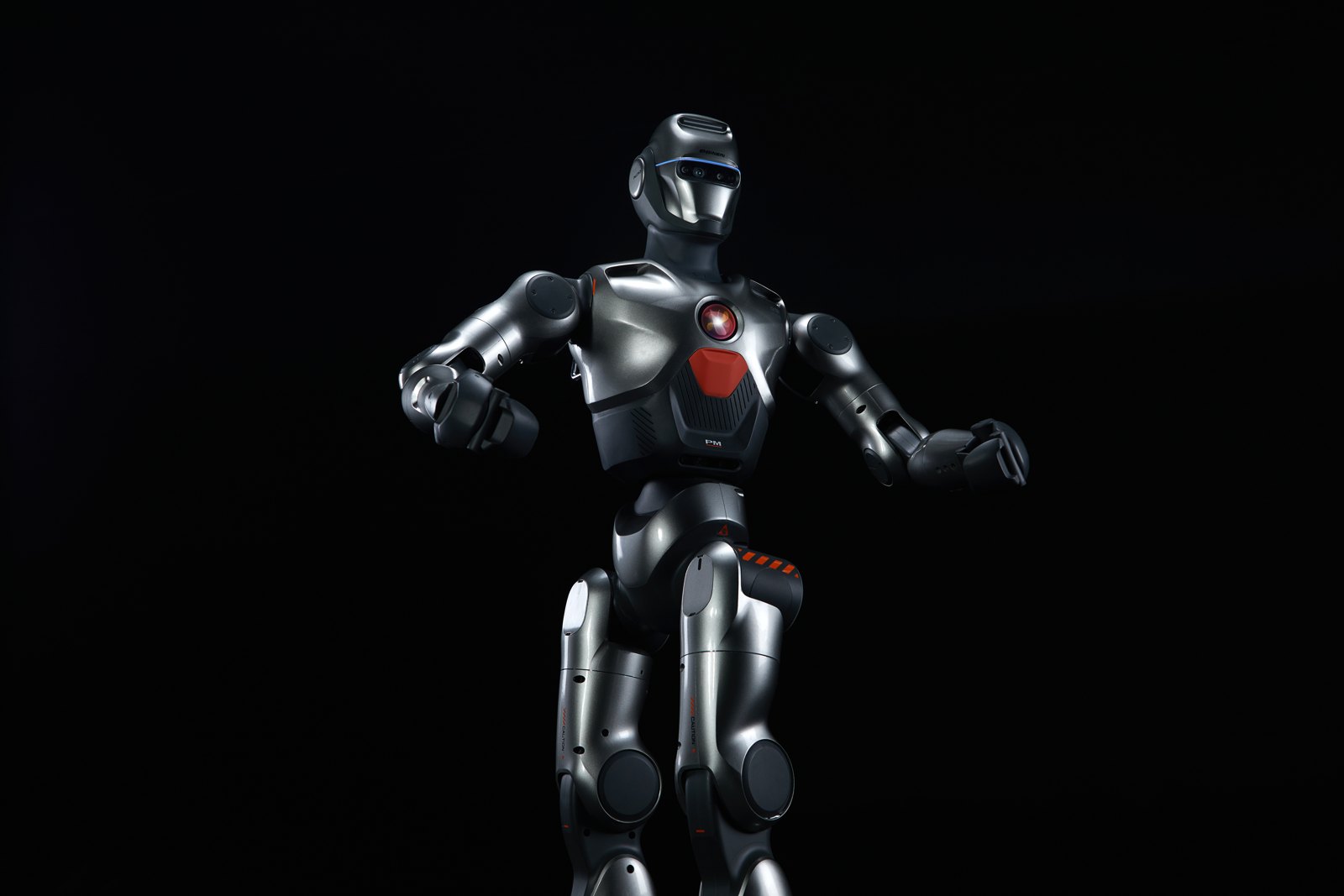
1. What is EngineAI PM01?
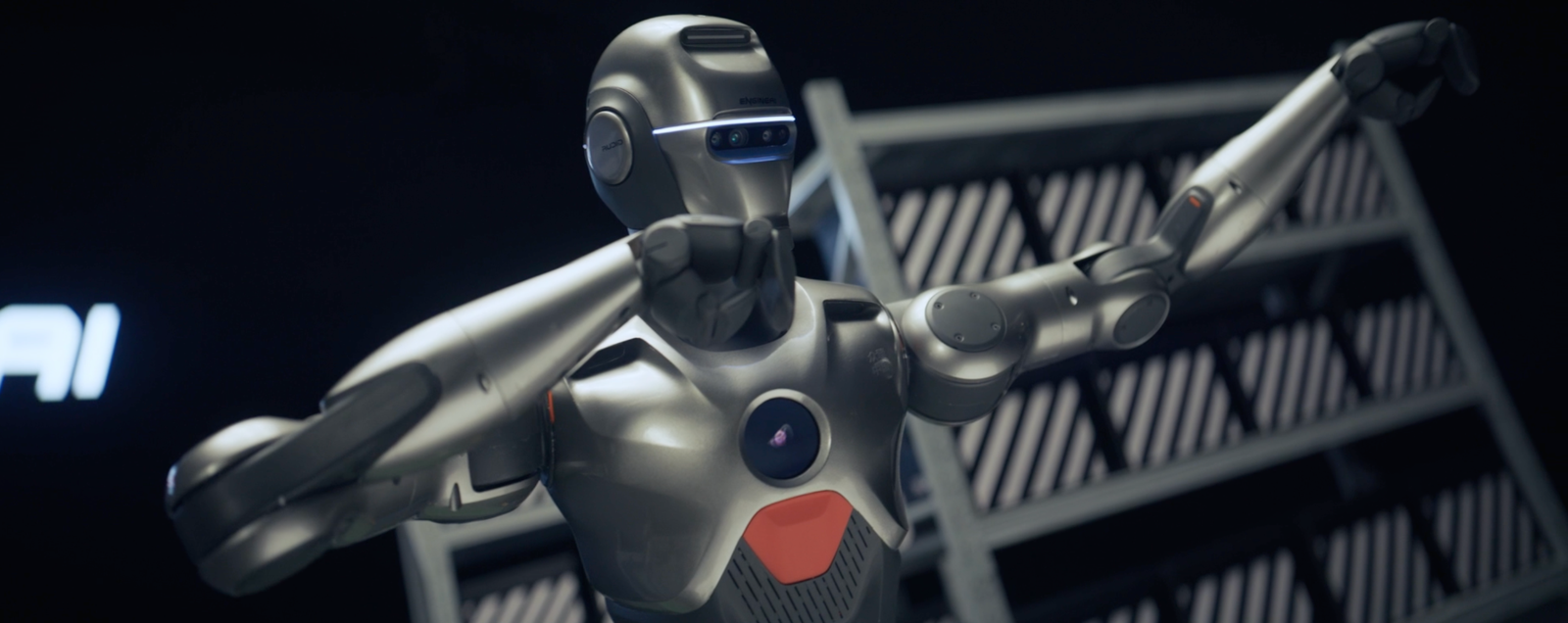
The PM01 is an electric humanoid robot designed for research, education, robotics programming and embodied AI development.
It provides an open development environment for programming movements, developing locomotion methods and training AI models.
EngineAI introduced the first generation of PM01 on December 24, 2024.
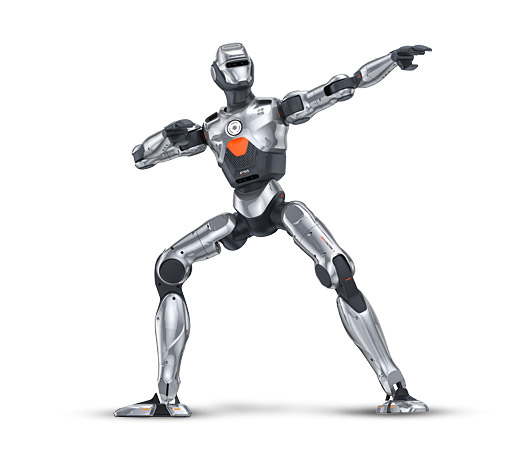
2. Who created the PM01?
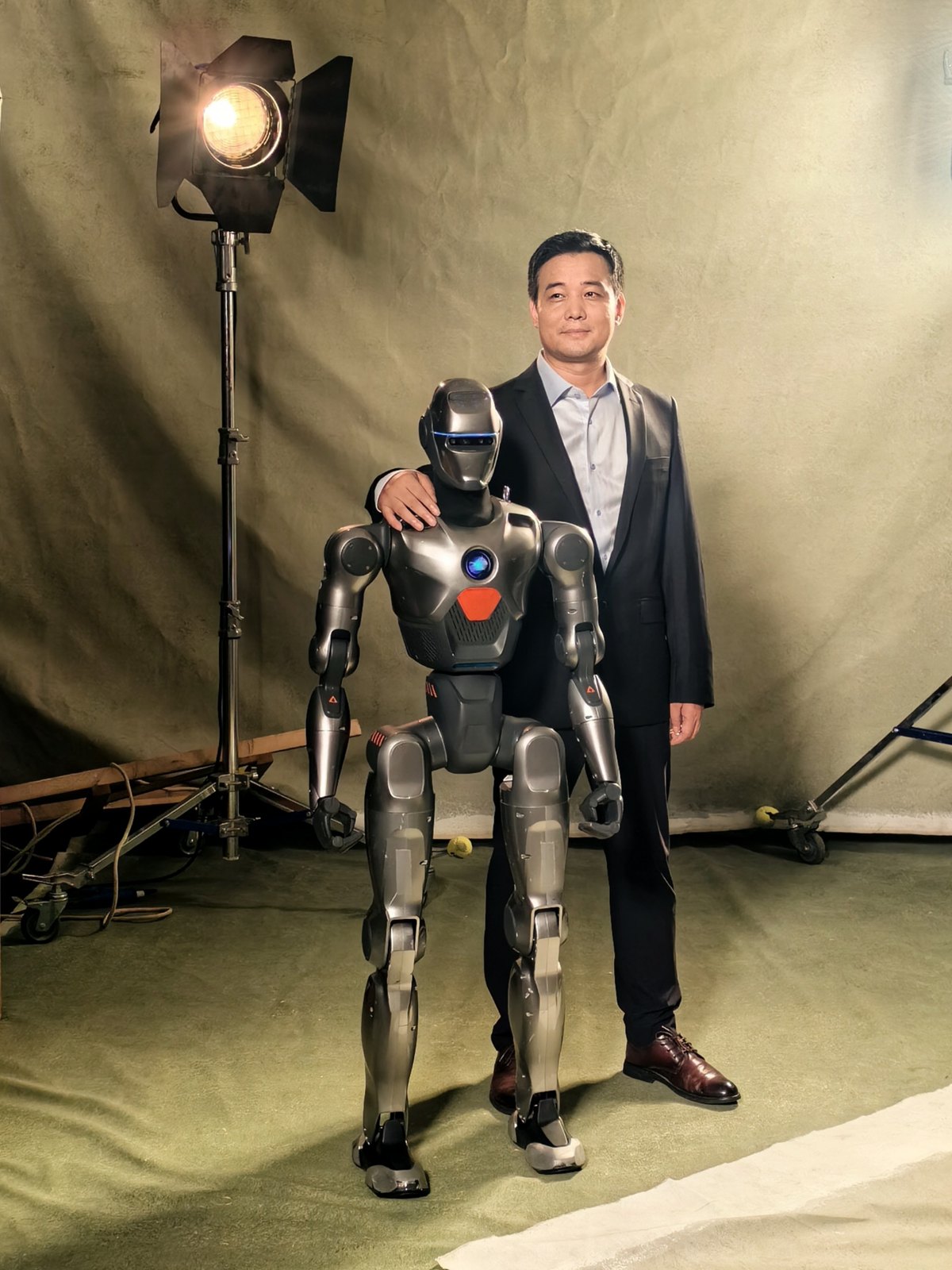
Zhao Tongyang (赵同阳)
Founder and CEO of EngineAI Robotics.
Official EngineAI portrait.
EngineAI Robotics was established on October 7, 2023 in Shenzhen, China. The company develops its own robots, actuators and control algorithms.
Its main robots include SA01, SE01, PM01, T800 and JS01, a quadruped robot.
3. Technical specifications
The 2026 range comprises two main editions.
| Specification | Education | Navigation |
|---|---|---|
| Height | 140 cm | 140 cm |
| Weight with battery | 44 kg | 44.5 kg |
| Degrees of freedom | 24 | 24 |
| Advertised maximum torque | 164 Nm | 164 Nm |
| Hardware-supported speed | > 2 m/s | > 2 m/s |
| Binocular cameras | 2 | 2 |
| 3D LiDAR | No | Yes |
| Jetson Orin NX | 16 GB | 16 GB |
| Chest touchscreen | Yes | No |
| Software development | Yes | Yes |
| Claimed runtime | 2 h | 2 h |
These figures come from the 2026 English product sheet. Some figures differ in EngineAI's developer documentation. Confirm the exact hardware revision before ordering.
4. How are the joints distributed?
Functional schematic of joint distribution, not an exact mechanical representation of the PM01.
- Neck: 1 degree of freedom.
- Arms: 5 per arm.
- Waist: 1 degree of freedom.
- Legs: 6 per leg.
This architecture lets the robot coordinate upper- and lower-body movements.

5. How much does the PM01 cost?
EngineAI's official Chinese purchase page displays a price of CNY 188,000, approximately USD 26,000 depending on the exchange rate.
The advertised price does not specify every component and service included in the configuration. Export pricing may be higher. Request a written quotation for the exact edition.
6. How to buy and order the PM01
You can order directly from the manufacturer.
- Official EngineAI store: en.engineai.com.cn/product-purchase.html
- Sales email: sales@engineai.com.cn
- Technical support: support@engineai.com.cn
- Telephone: +86 755 26999080
For delivery to Morocco, request a quote covering shipping, accessories, warranty conditions and technical support.
I recommend the Education edition if your main goal is programming the robot.
7. Equipment you need
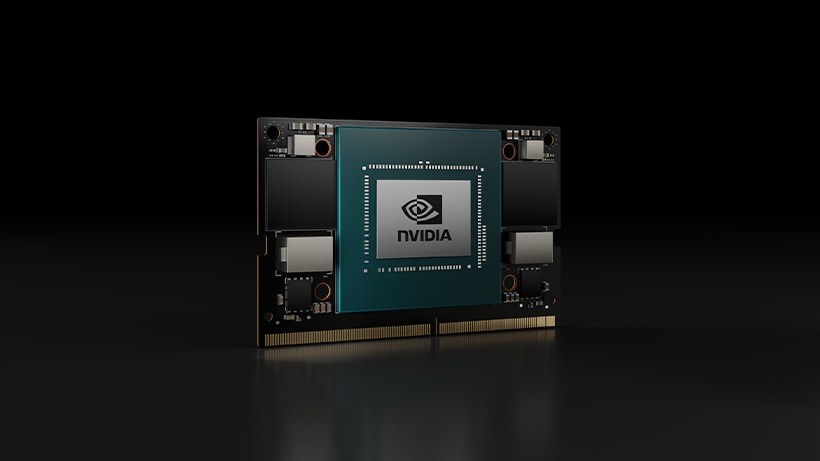
Jetson Orin NX
Onboard computing for AI applications.
NVIDIA product image.
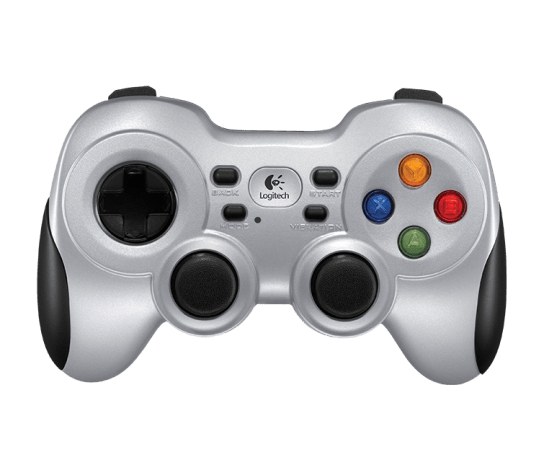
Logitech F710
Motion control.
Logitech product image.
Safety support
For initial locomotion tests.
Equipment schematic.
Development computer
For programming and simulation.
Equipment schematic.
You will also need:
- The original battery and charger.
- An Ethernet cable.
- A network connection.
- An emergency stop device.
- A clear testing area.
For advanced reinforcement learning training, a computer equipped with an NVIDIA GPU is recommended.
8. How does the robot work?
The PM01 Education uses two separate computers.
Jetson processes perception and AI applications. Nezha handles motion control. Sensor feedback lets the system correct the robot's posture during movement.
9. How to start the PM01
EngineAI provides a development interface accessible directly from a web browser.
First startup
- Charge and install the battery.
- Place the robot on its safety support.
- Install the compatible remote controller receiver.
- Power on the robot.
- Wait approximately one minute.
- Connect your computer to the robot's Wi-Fi network.
- Open the address below in Chrome or Edge.
http://192.168.0.162:9004Check the address for your particular unit if it differs. The Web IDE gives access to preinstalled programming examples.
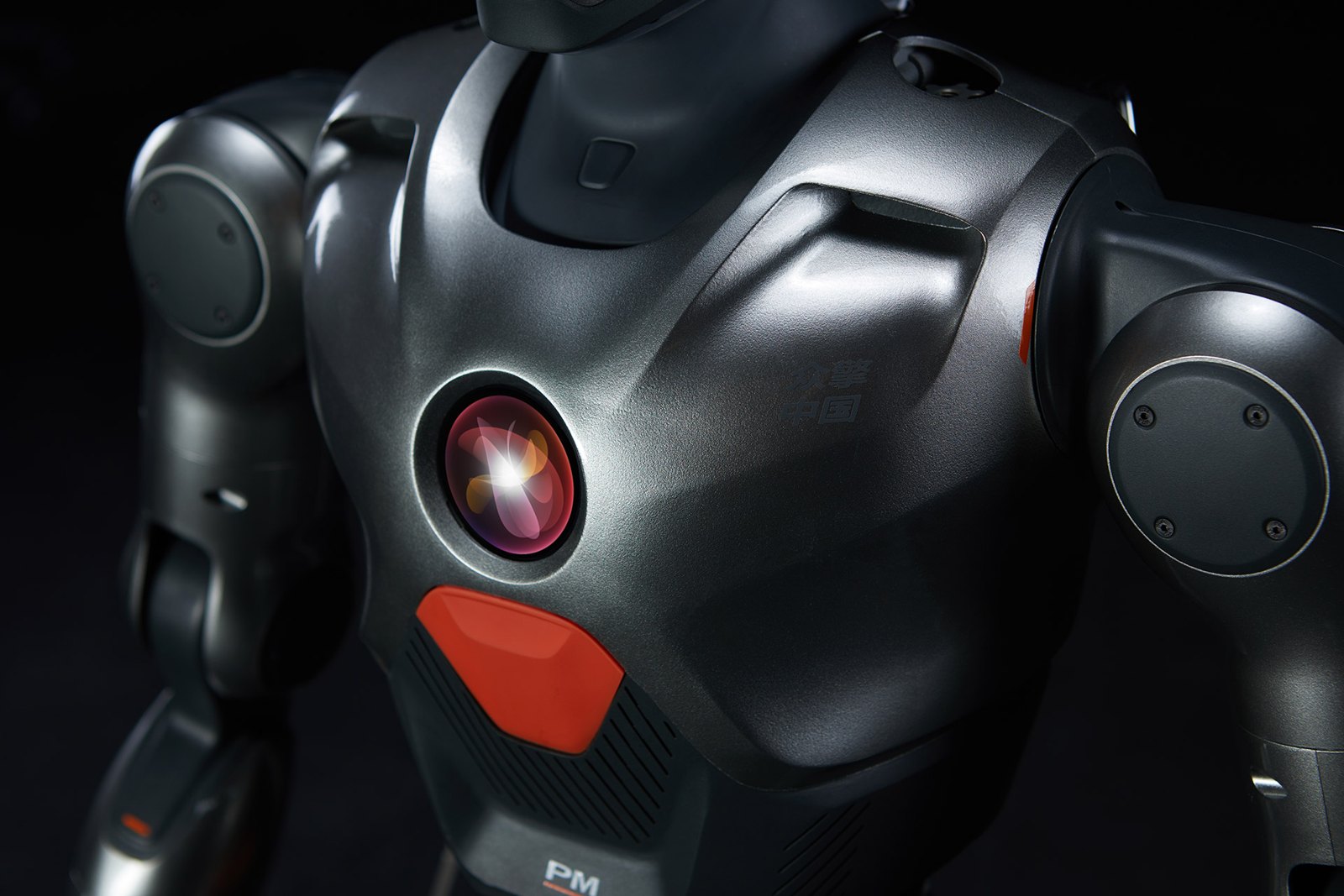
Keep the robot on suitable support until the instructed standing procedure is complete. The physical emergency stop can cut power and cause the robot to fall, so it is for emergencies only.
10. Which software should you use?

Ubuntu 22.04
Recommended development operating system.

ROS 2 Humble
Communication with sensors and controllers.
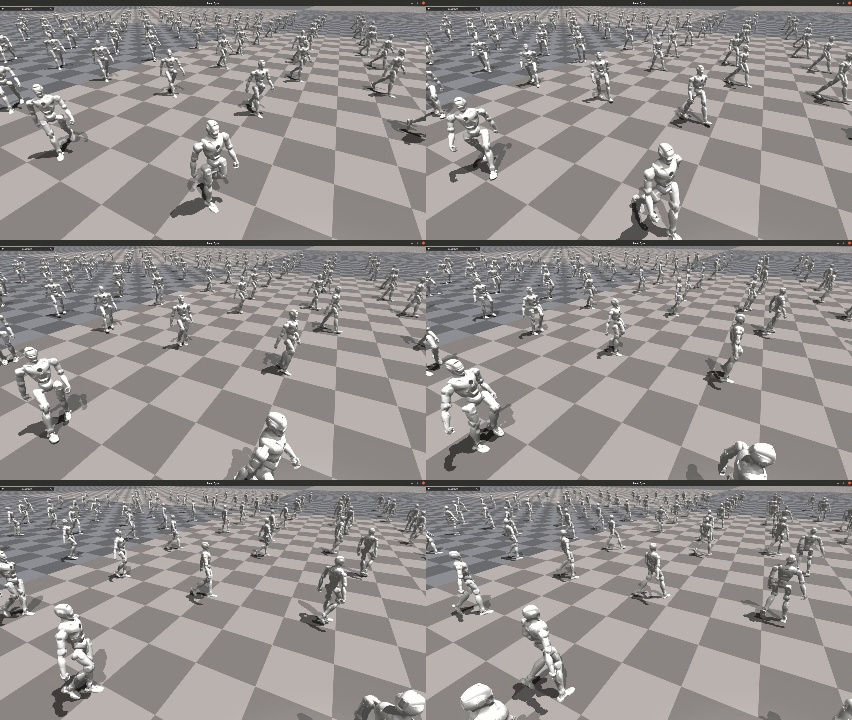
MuJoCo
Physics simulation and motion control. EngineAI simulation imagery.
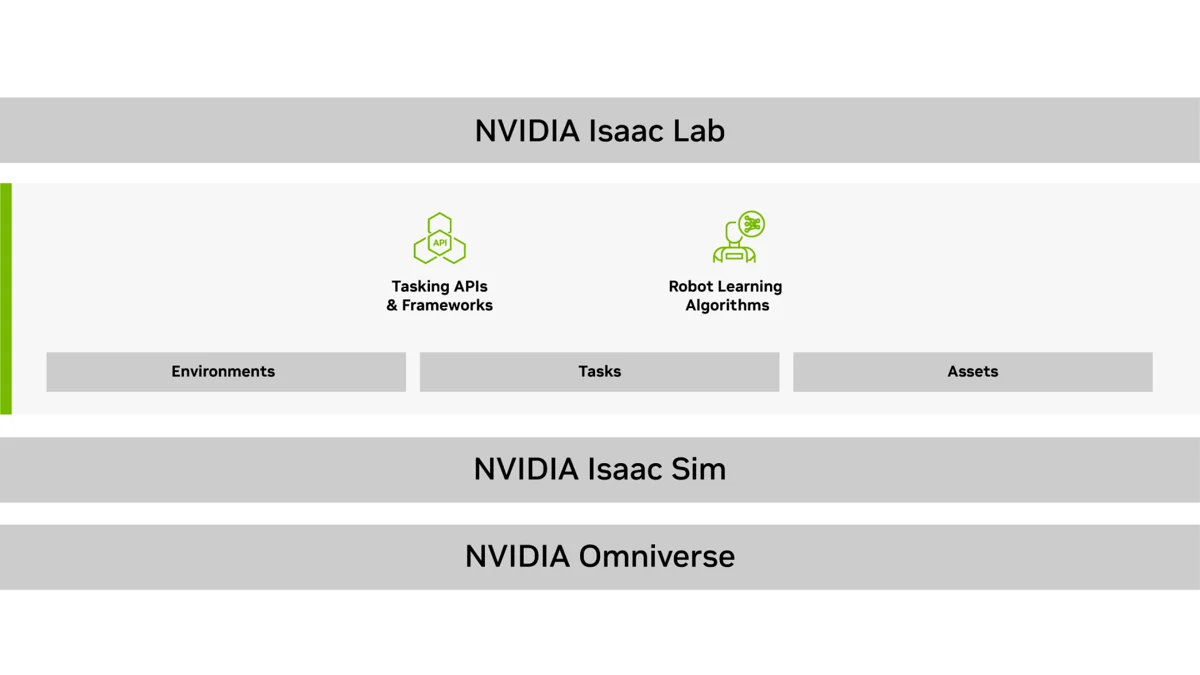
NVIDIA Isaac Lab
Training locomotion policies.
General Isaac Lab illustration, not a PM01-specific test.
Python and C++
Development of applications and algorithms.
Other tools:
- Docker
- Git and Git LFS
- PyTorch
- TensorBoard
- PlotJuggler
- EngineAI Native SDK
- EngineAI RL Lab
- General Motion Retargeting (GMR)
11. How to install the SDK
On your Ubuntu computer, first install Docker and Docker Compose.
Download the official repository:
git clone --recursive https://github.com/engineai-robotics/engineai_robotics_native_sdk.git

cd engineai_robotics_native_sdk

./docker/generate.sh
Enter the development environment and compile:
engineai_robotics_env

./build.sh
The SDK lets you develop custom controllers and run locomotion policies.
12. How to make the PM01 walk
Method 1: use a remote controller
The Native SDK uses several motion states.
| Command | Function |
|---|---|
| LB + RB | Passive mode |
| LB + A | Standing position |
| LB + B | Walking mode |
| LB + D-pad down | Dancing mode |
These commands correspond to EngineAI's documented Native SDK with the Logitech F710. They may vary with the supplied software version.
Method 2: Python and ROS 2
First verify communication with the joints:
ros2 topic echo /hardware/joint_stateThe software reports joint position, velocity and torque among other data. Once the robot is in the appropriate walking state, the official velocity-control example is:
cd src/interface_example/scripts

python3 body_velocity_control_example.py
In the documented example, the robot moves forward at 0.5 m/s. It may take roughly two seconds to stop after the program is interrupted. Leave enough space and keep the emergency stop accessible.
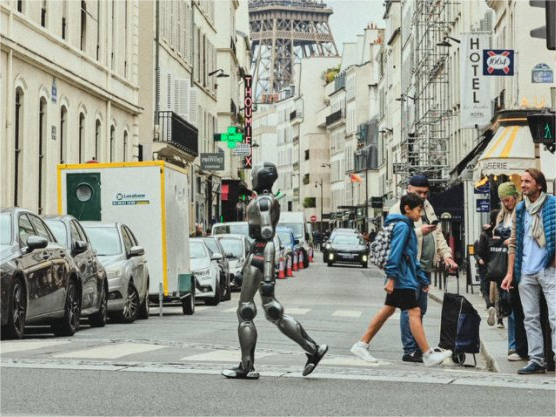
13. How to make the PM01 run

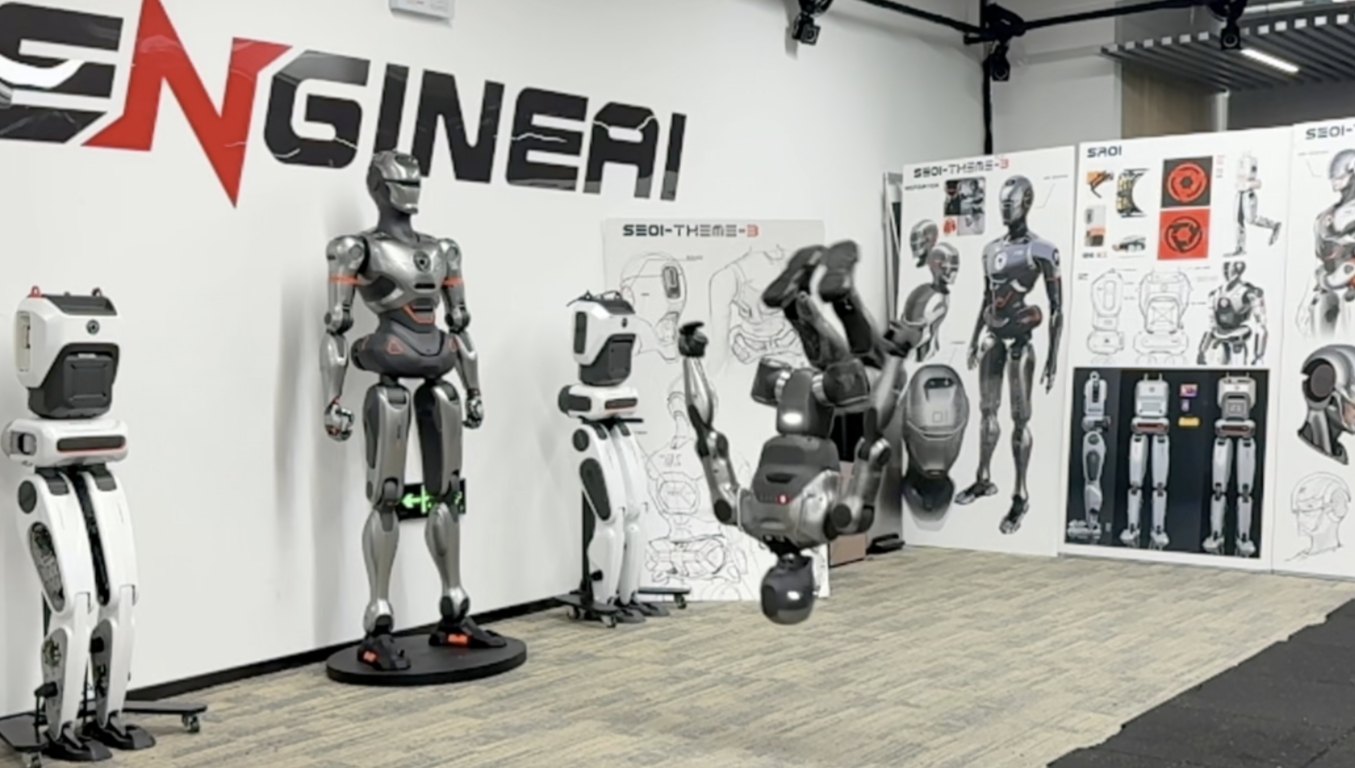
EngineAI advertises hardware-supported speeds above 2 m/s, equivalent to more than 7.2 km/h. This does not guarantee that speed with every control policy.
To develop a genuine running gait:
- Load the PM01 model in Isaac Lab.
- Configure target velocities.
- Train a locomotion policy.
- Test balance and foot contacts.
- Export the model.
- Validate it in MuJoCo.
- Conduct progressive, supervised trials on the physical robot.
- PM01 model
- Isaac Lab
- RL training
- Locomotion policy
- MuJoCo validation
- Tests passed?
- Yes: supervised physical trials
If tests fail, return to Isaac Lab, adjust the policy and validate again.
No universal command to switch directly into a running mode is confirmed in the documentation consulted.
14. How to make the PM01 dance
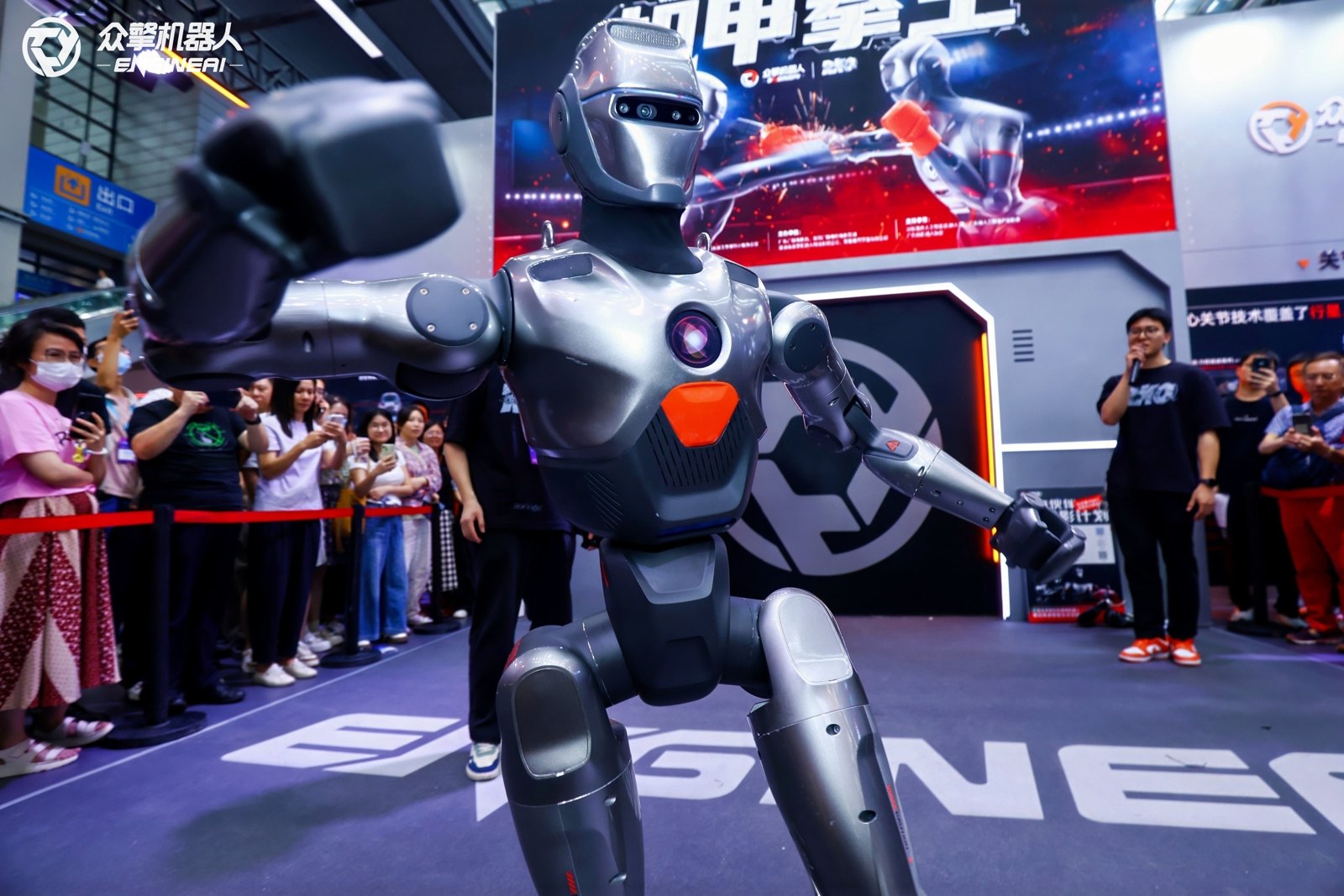
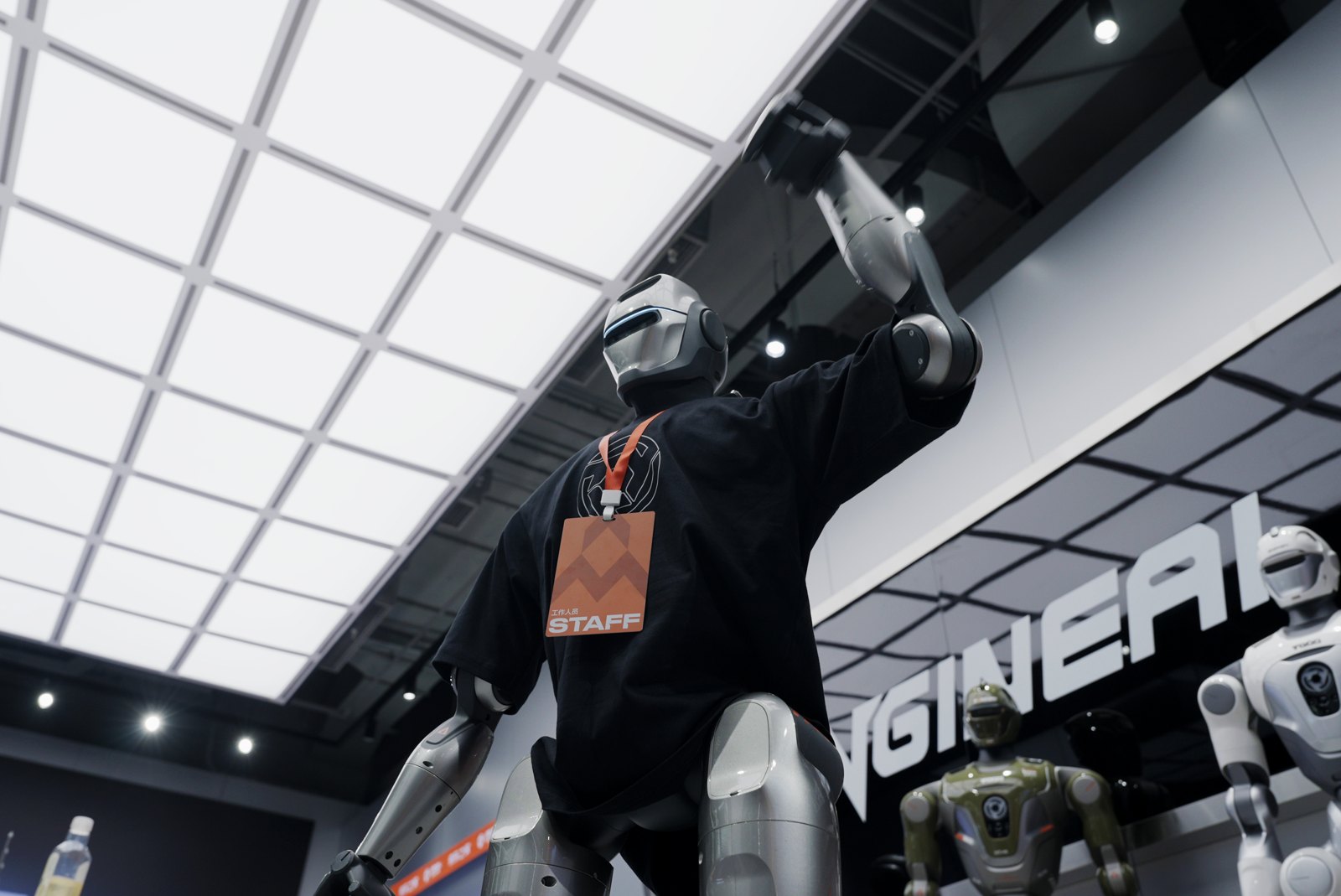
You can use the Native SDK's preprogrammed movements or create your own choreography.
To create a new dance, use:
- GMR to retarget human movement to the robot.
- Isaac Lab to train the policy.
- MuJoCo to test the movements.
- Native SDK to deploy them.
EngineAI also supplies dance data and training scripts in its RL Lab repository.
Install RL Lab
git clone https://github.com/engineai-robotics/engineai_rl_lab.git

cd engineai_rl_lab

git lfs install
git lfs pull

pip install -e source/engineai_rl_lab
pip install mnn
Install a compatible Isaac Lab version first (the documented repository targets Isaac Lab 2.3.2).
Train a dance
python scripts/tracking/train.py \
  --task Tracking-Flat-PM01-Wo-State-Estimation-v0 \
  --headless \
  --num_envs 4096 \
  --motion_file datasets/tracking/pm01/dance.npz
This example uses 4,096 simulation environments and requires enough GPU resources.
15. How to simulate the PM01 without buying it
You can begin development using the PM01 digital model.
In the Native SDK:
engineai_robotics_env

./scripts/build_mujoco.sh

./scripts/run_mujoco.sh pm01_edu
In a second terminal:
engineai_robotics_env

./run.sh pm01_edu
You can also launch a virtual controller:
python3 tools/virtual_gamepad/virtual_gamepad.pyThe simulator lets you experiment before risking damage to the physical robot.
16. Understanding ROS 2 interfaces
| Interface | Function |
|---|---|
/hardware/joint_state | Joint state |
/hardware/joint_command | Joint commands |
/hardware/imu_info | Inertial data |
/hardware/power_info | Battery state |
/hardware/gamepad_keys | Controller data |
/hardware/motor_debug | Motor diagnostics |
Beginners should start by reading sensor data before sending commands to motors.
17. Battery and charging
The lithium-ion battery is removable. Actual runtime depends on the intensity of movement, compute consumption and operating conditions.
18. Available open-source projects
| Official repository | Purpose |
|---|---|
| Native SDK | Robot control |
| ROS 2 Workspace | ROS 2 development |
| RL Lab | Reinforcement learning |
| Robot Description | Digital models |
| GMR | Human-motion retargeting |
| EngineAI Navigation | Autonomous LiDAR navigation |
All six repositories are published under the engineai-robotics GitHub organization. Their exact repository names are engineai_robotics_native_sdk, engineai_ros2_workspace, engineai_rl_lab, engineai_robotics_description, GMR and engineai_navigation.
Robot models and software are publicly available. This does not mean every manufacturing drawing, electronic circuit and firmware component is open source.
Complete documentation: EngineAI Open Platform, en.engineai.com.cn/open.